April 8th, 2025
New
Calendar
View Form Submissions in Appointment Modal
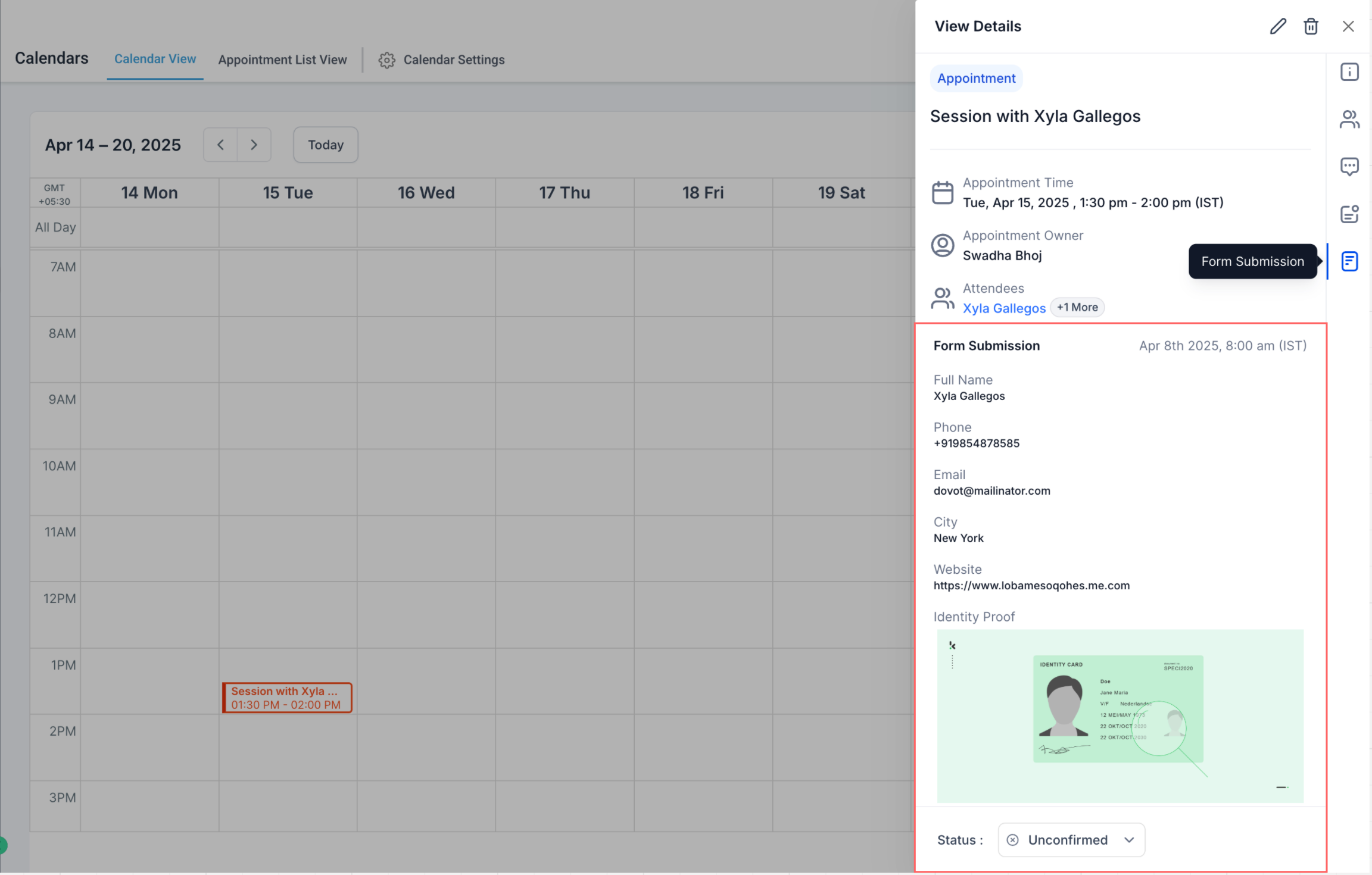
We’ve introduced a powerful new update that brings Form Submissions directly into the Appointment Modal—designed to simplify how you access booking information and reduce the need to switch between modules.
✨ What’s New?
Dedicated Forms Tab in Appointment Modal
If an appointment includes a custom form submission, you'll see a Forms tab inside the modal.
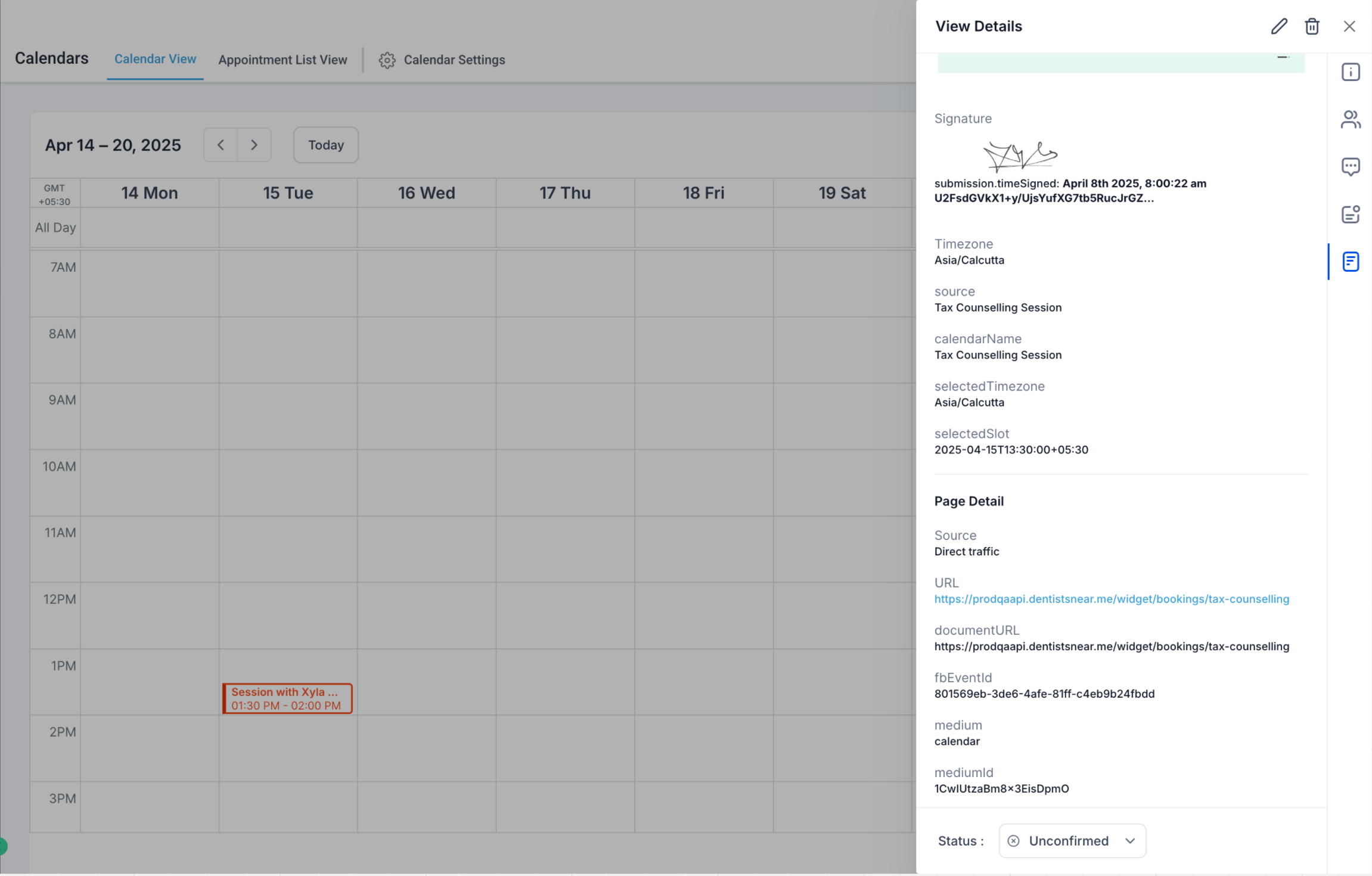
The submission appears in a clear, structured layout —mirroring the experience in the Forms module.
Access Submissions from Anywhere
Whether you're in Contacts, Conversations, or the Calendars tab, opening an appointment modal will now give you quick access to form submissions via the new Forms tab.
💡 Please Note
Form submissions will only appear for newly created appointments going forward. Existing appointments won’t display submission data.
Form submissions from the default booking form — which only captures Name, Email, and Phone—are not displayed in the Forms tab at this time, since this information is already visible in the Contact Details section of the appointment.
Support for viewing these in the Forms tab is on the way —for complete visibility in one place.
🎯 Why This Matters
This enhancement strengthens the integration between Forms and Calendars, creating a more seamless, intuitive experience—especially for industries where additional booking data is essential. It also helps with:
Faster access to booking details
Less context-switching across modules
Higher efficiency and reduced friction