April 15th, 2026
New
Calendar
🧩 Support for Assigned User Custom Value Across Funnels & Calendar Confirmation Page
We’ve extended support for assigned user custom values to ensure they work consistently across both Funnels and Calendar confirmation page experiences.
With this update, assigned user details can be carried forward into the next funnel step after booking a calendar appointment, as well as used in calendar confirmation messages., improving personalization after an appointment is booked.
✅ What’s New
1. Added support for assigned user custom values across:
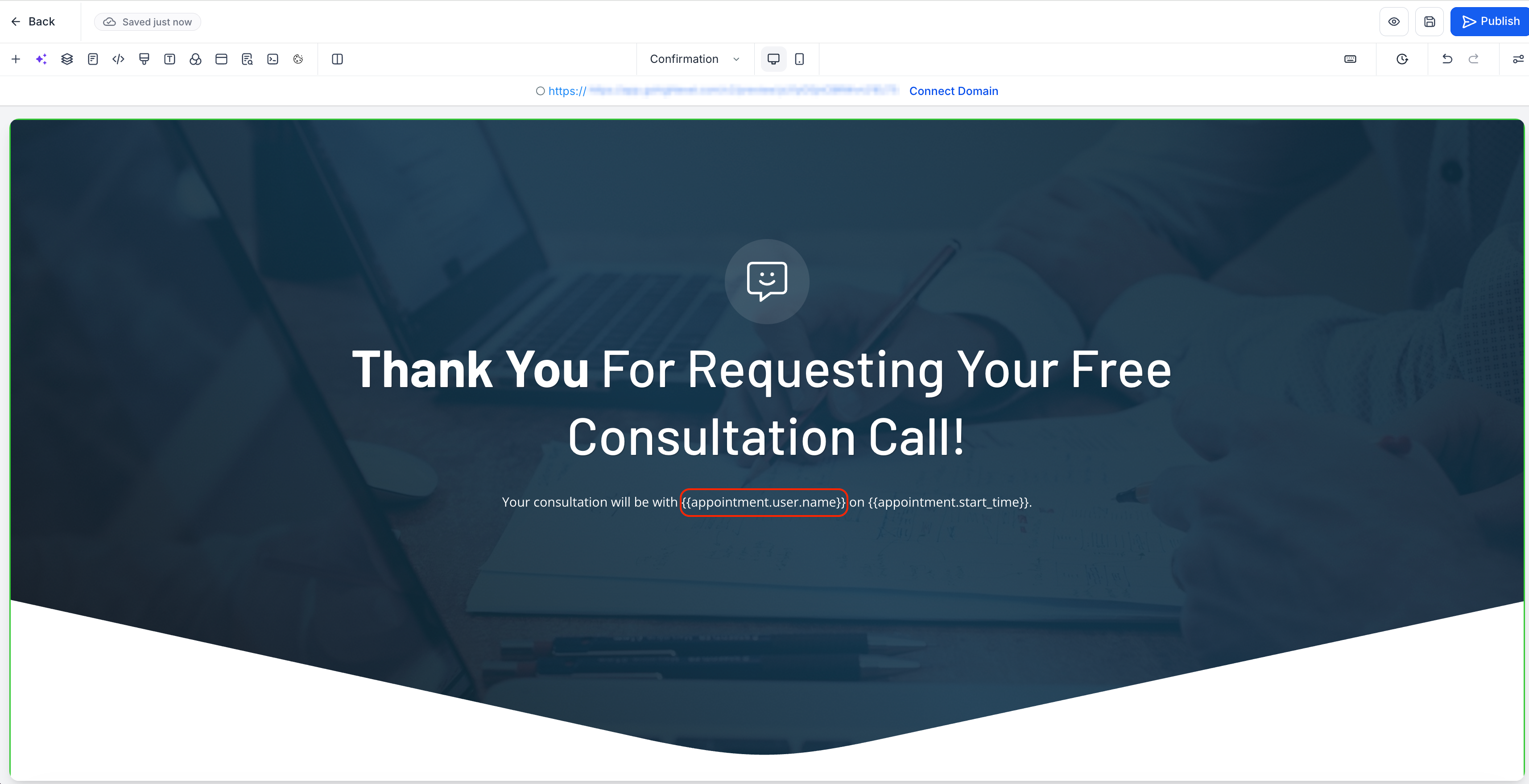
Next funnel step after booking a calendar appointment
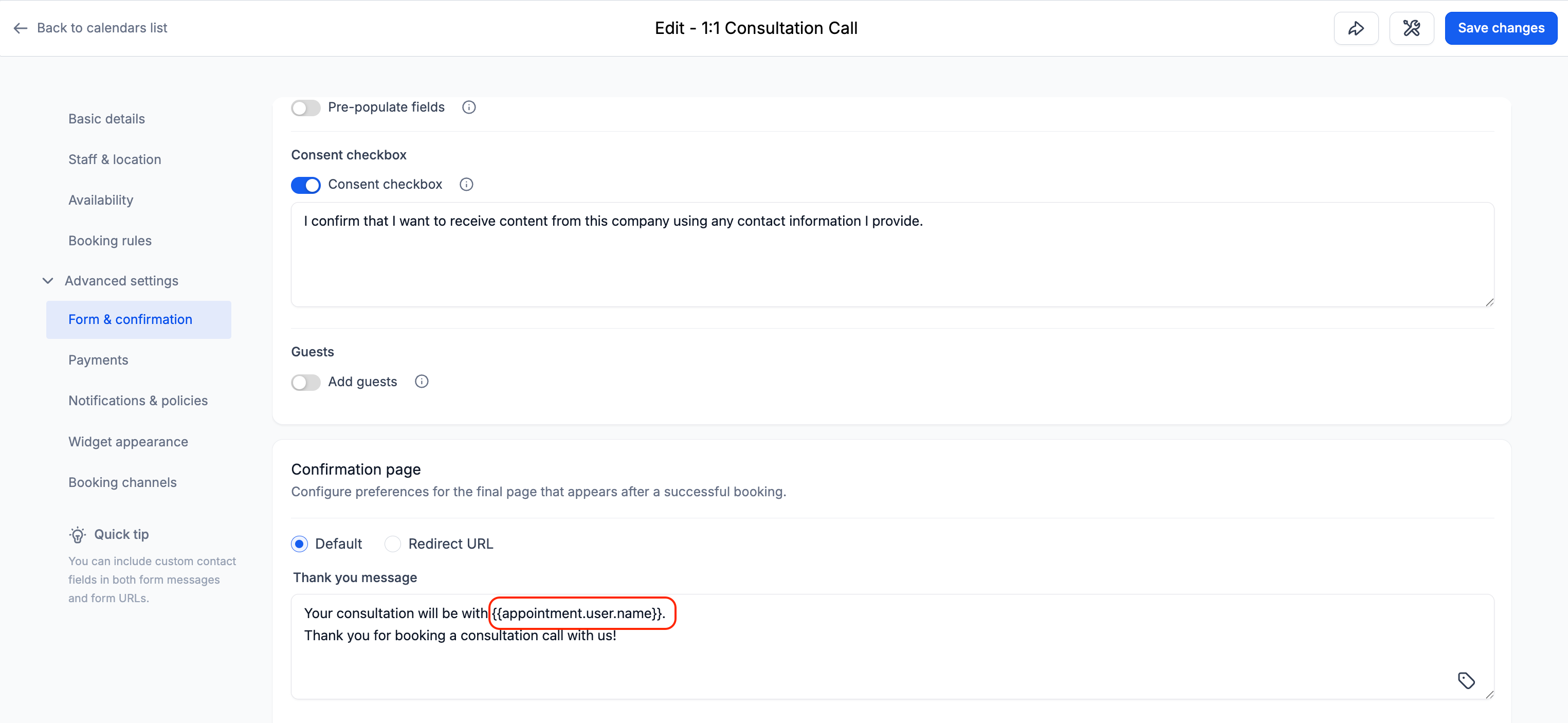
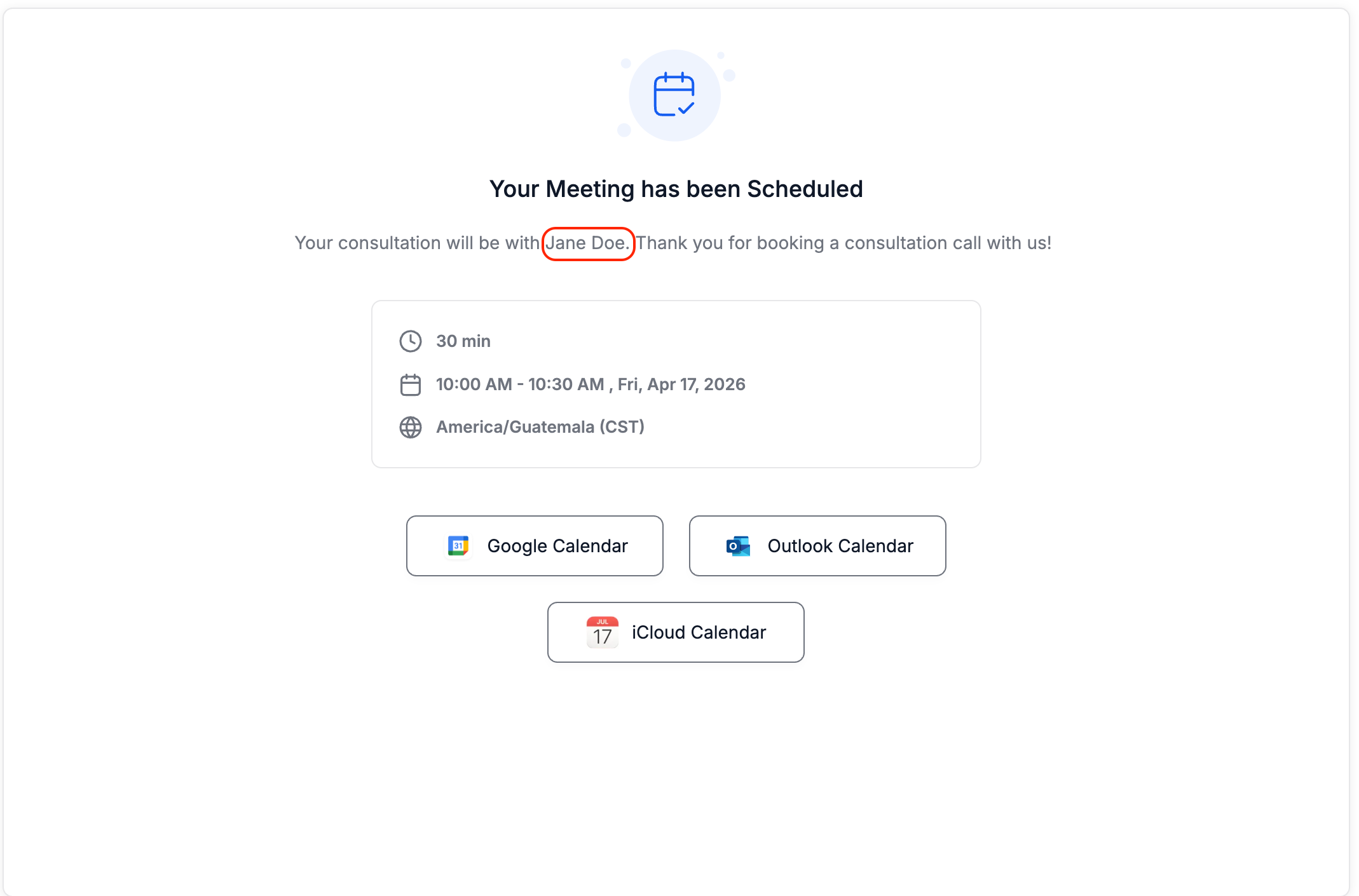
“Thank you message" on the calendar confirmation page
2. Improved consistency in how assigned user data is rendered across booking and funnel flows.
🔐 How It Works
When using a Calendar element in a funnel with the "Redirect action" set as “ Go to next step”:
After booking, users are redirected to the next funnel step
You can now use
assigned user custom values on that page
2. This value also work in:
“Thank you message" on the calendar confirmation page
3. This values dynamically populate based on the assigned user linked to the contact, ensuring accurate and consistent output across flows.
🎯 Why This Matters
Enables personalized experiences after booking (e.g., showing assigned user details).
Ensures assigned user information carries forward into the next step.