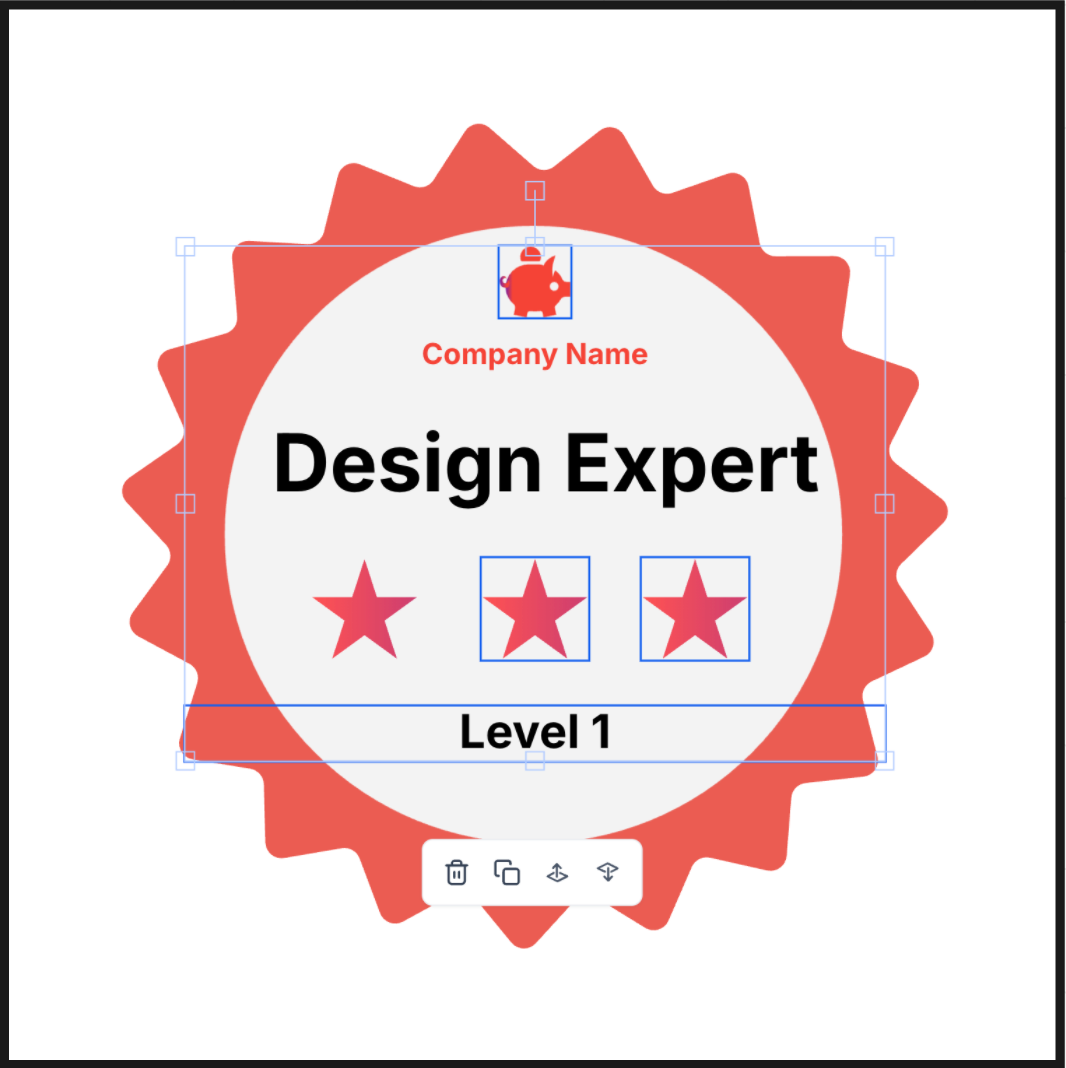
Enhanced Layout Control in Badge Builder
Badge design just got smoother. With improved drag-and-drop and multi-select tools, managing your layout is now faster, easier, and more intuitive.
What’s New?
🎯Seamless Drag & Drop– Move elements freely across the canvas with precise control
🎯Multi-Select (Ctrl + Click) – Select or deselect multiple elements to reposition or align them together
Why It Matters?
More intuitive editing experience
Better control over complex layouts
Faster design flow with less friction
🔍 How to Navigate to the Badge Builder?
Go to “Memberships”
Select the “Credentials” tab
Click “Create” in the top-right corner
Choose “Create Badge” from the dropdown