May 23rd, 2025
New
Courses & Communities
Embed Media in Post Edit Page
🚀 What's New
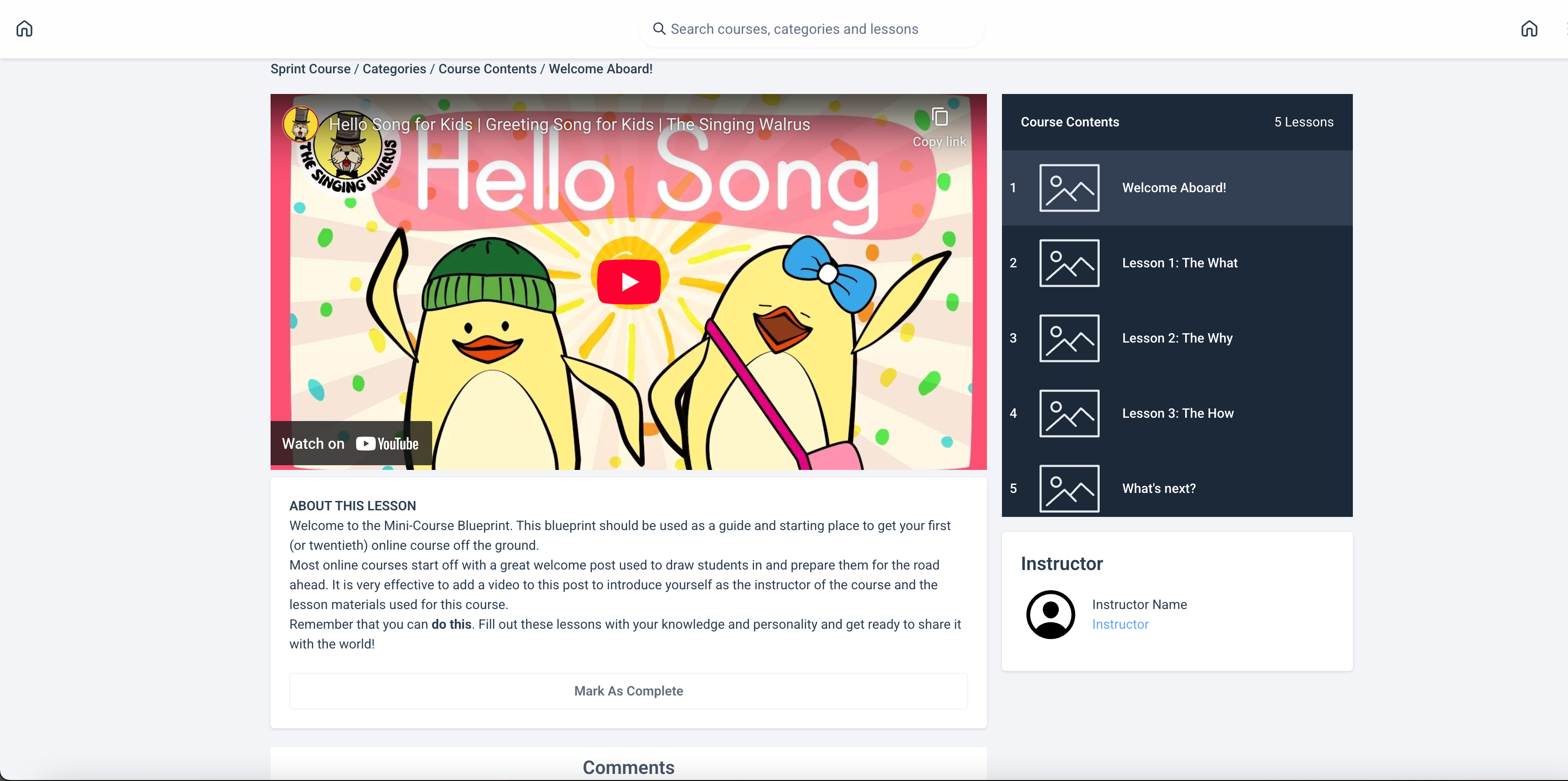
You can now embed media from leading third-party platforms directly within the Post Edit Page to create rich, engaging content. This includes support for:
YouTube
Vimeo
SoundCloud
Loom
Wistia
Spotify
Mixcloud
Previously, users could only upload media files. With this release, you can enhance your posts simply by pasting a link—no upload required.
🎯 Why This Matters
This enhancement gives users greater creative flexibility and content diversity. Whether you're embedding:
A tutorial video
A product demo
A podcast episode
A music playlist
…it’s now easier than ever to deliver value-packed posts that resonate with your audience.
✅ How It Works
Go to the Post Edit Page.
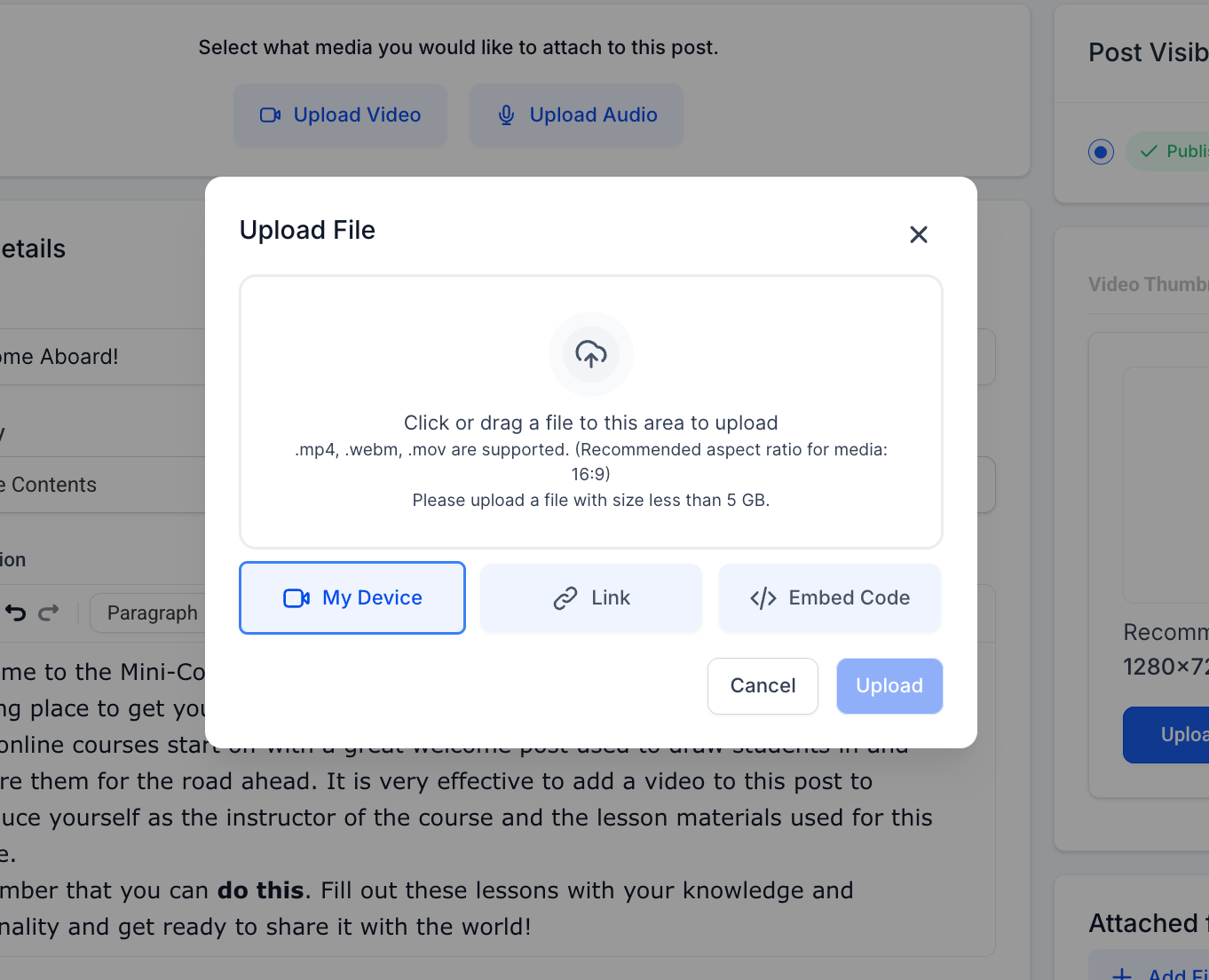
Select "Upload Video/Audio" Option.
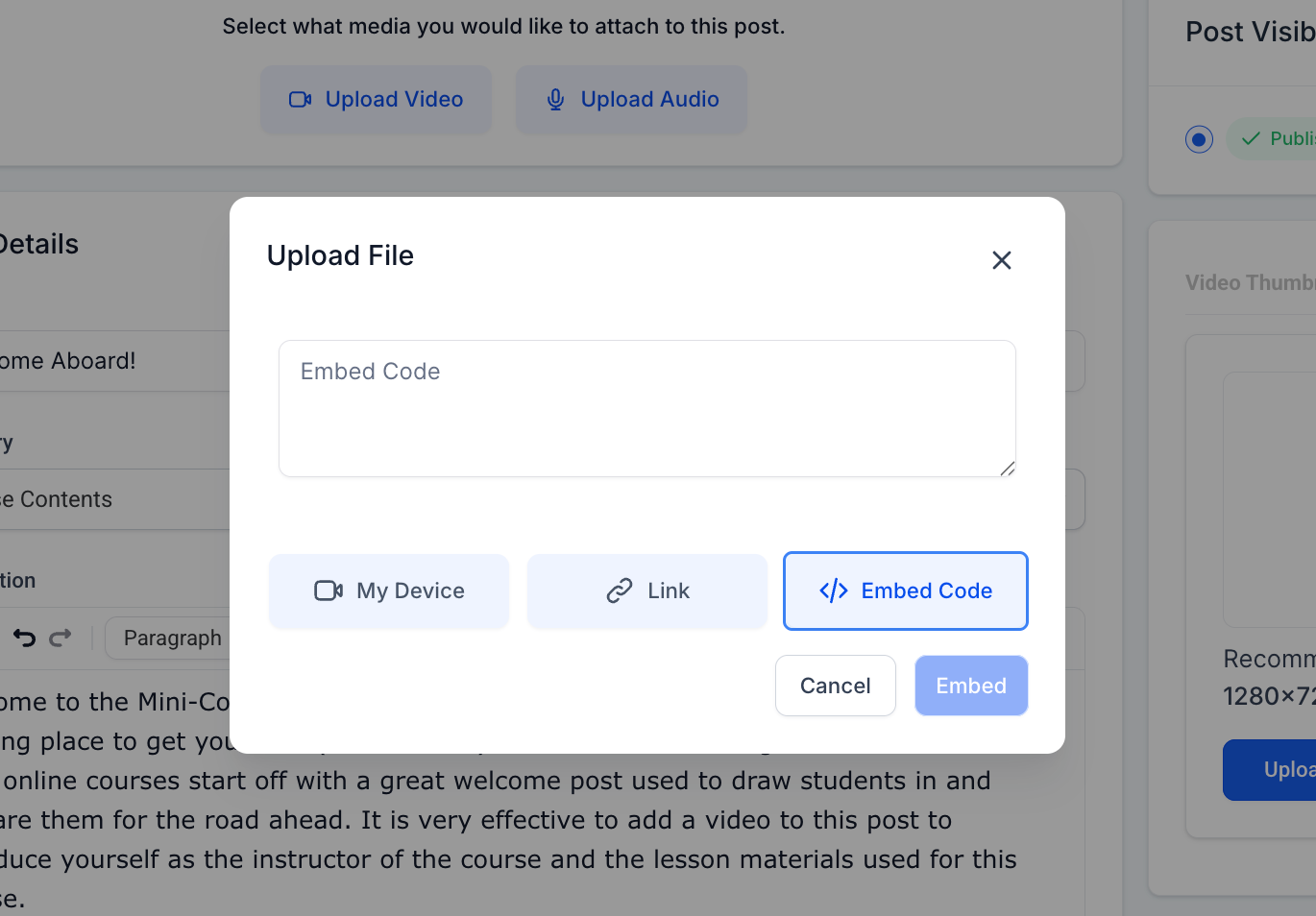
Click on Embed Media.
Paste a valid embed code from one of the supported platforms.
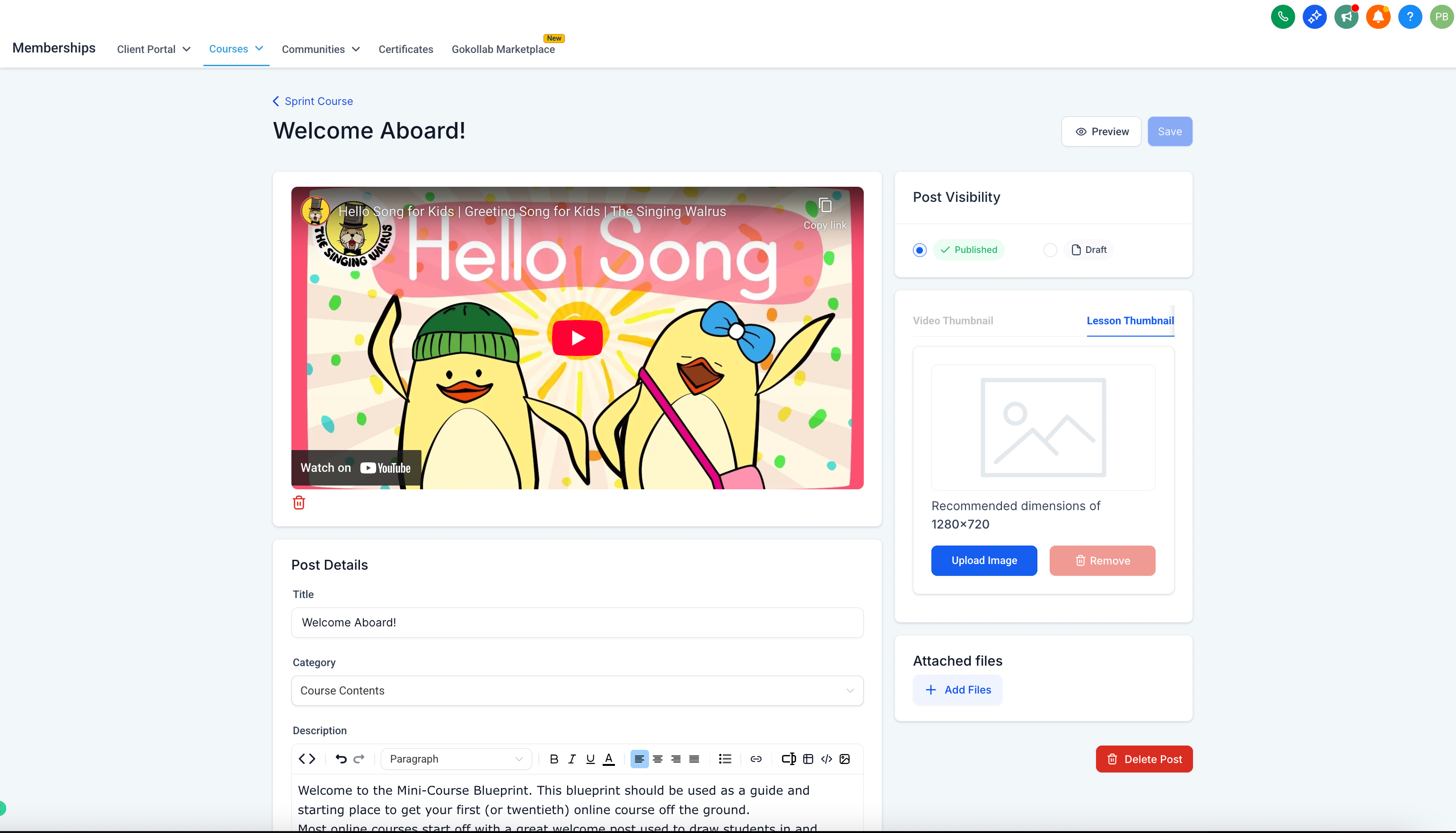
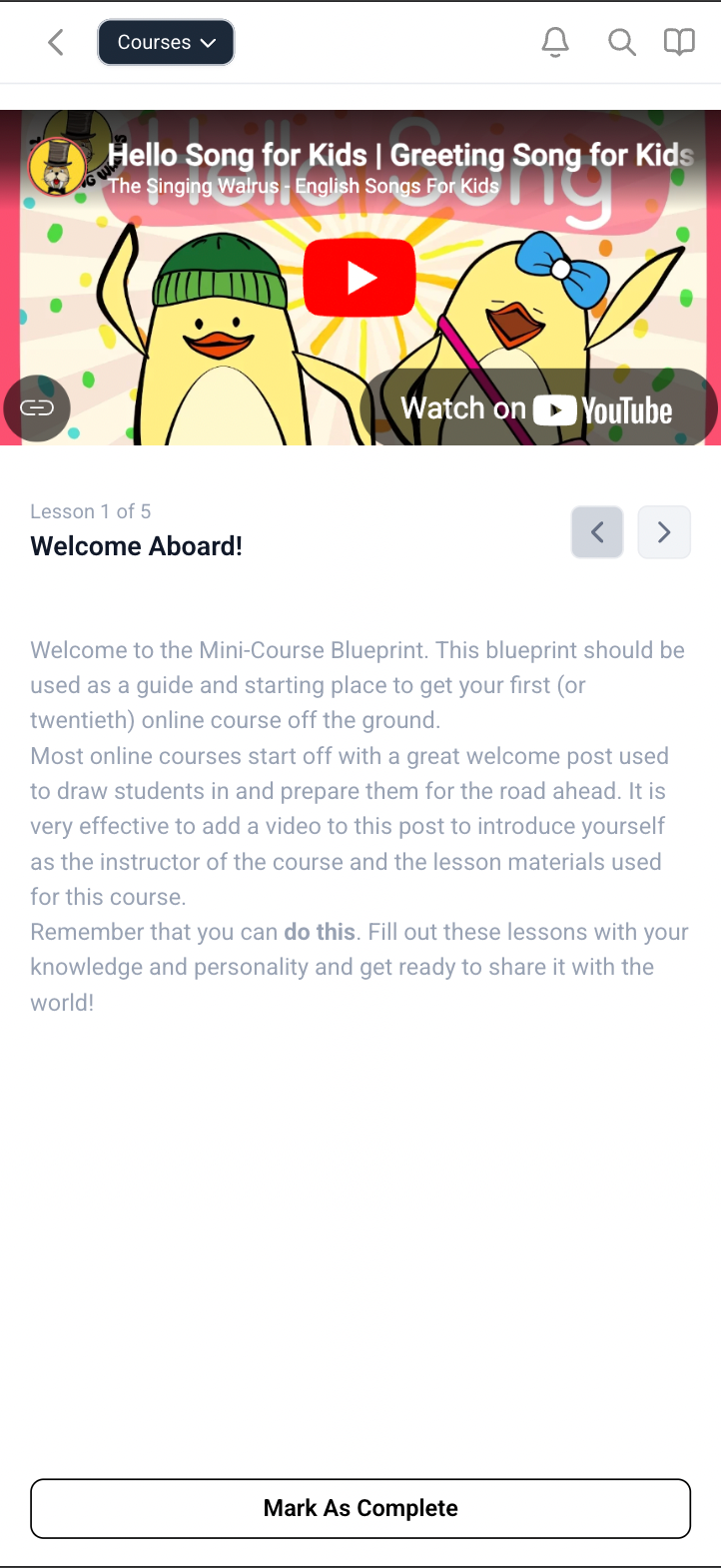
The media is instantly embedded and previewed—ready to publish!