April 23rd, 2026
New
CRM
Custom Object Templates - set up your CRM in one click
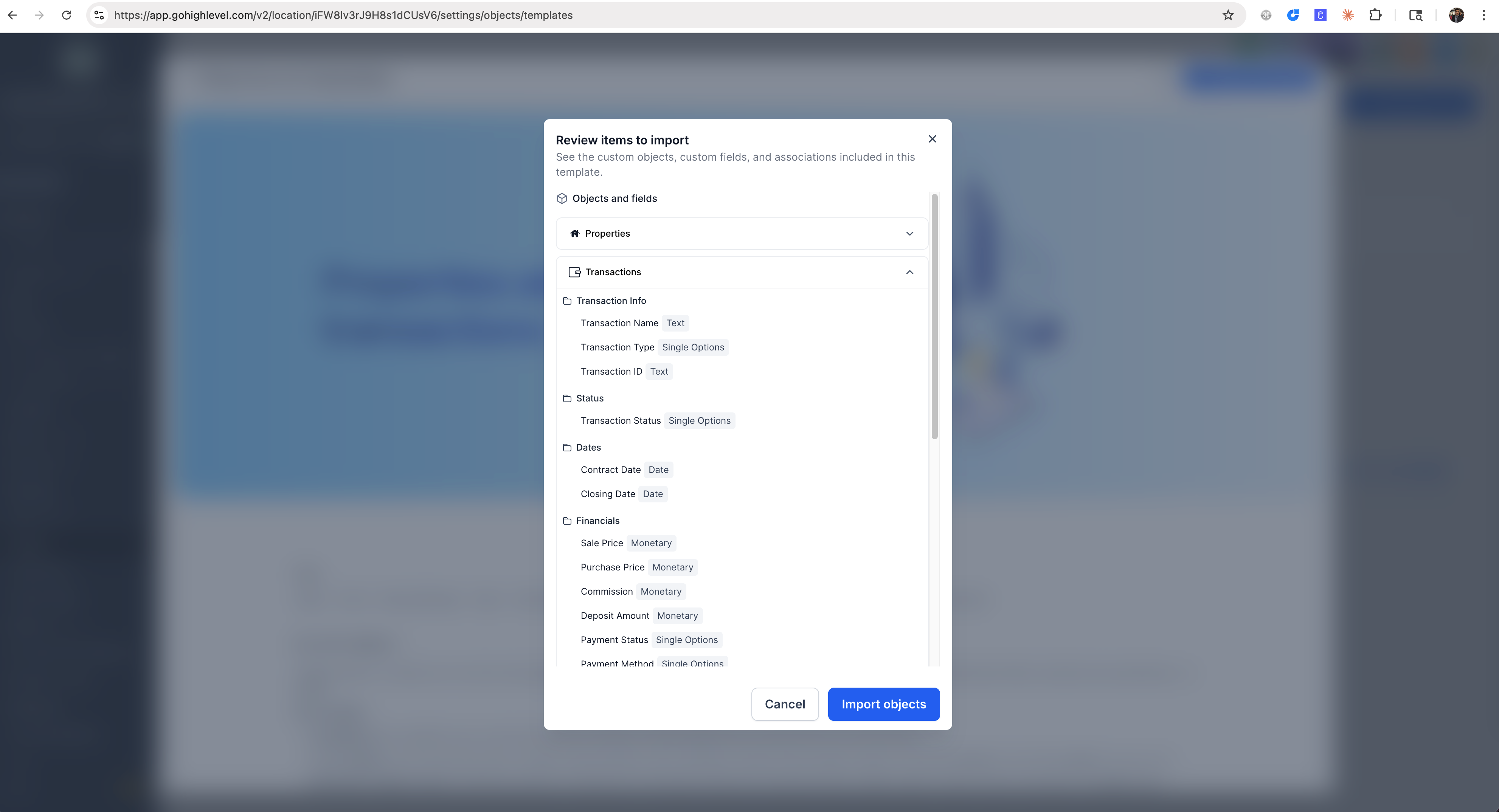
Setting up Custom Objects is now easier with Custom Object Templates: pre-built, industry-specific configurations you can apply in one click. Each template comes with ready-to-use custom objects, fields (organized into folders), and associations - so you can skip the setup and start operating.
What's New
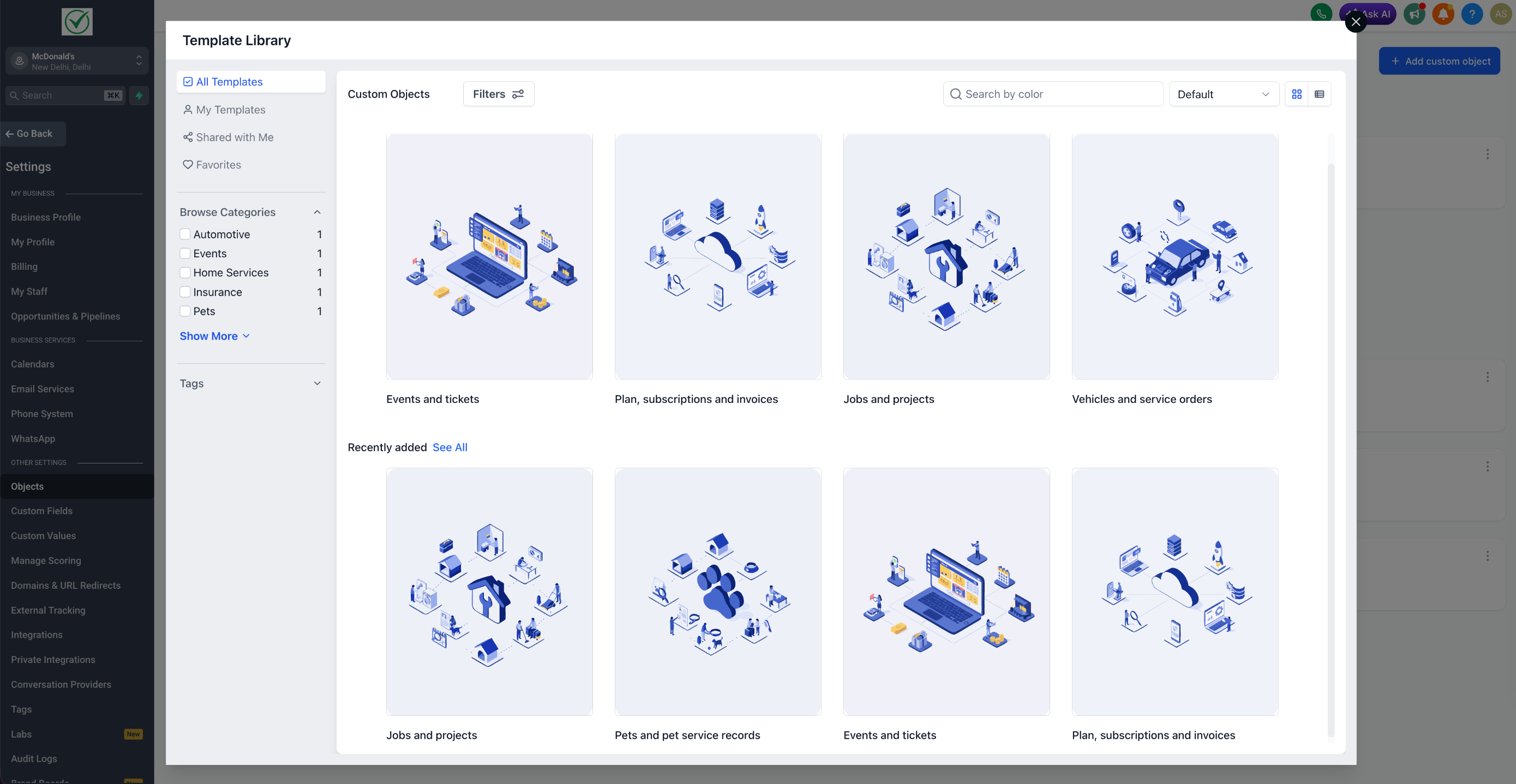
Following pre-built industry specific templates are available :
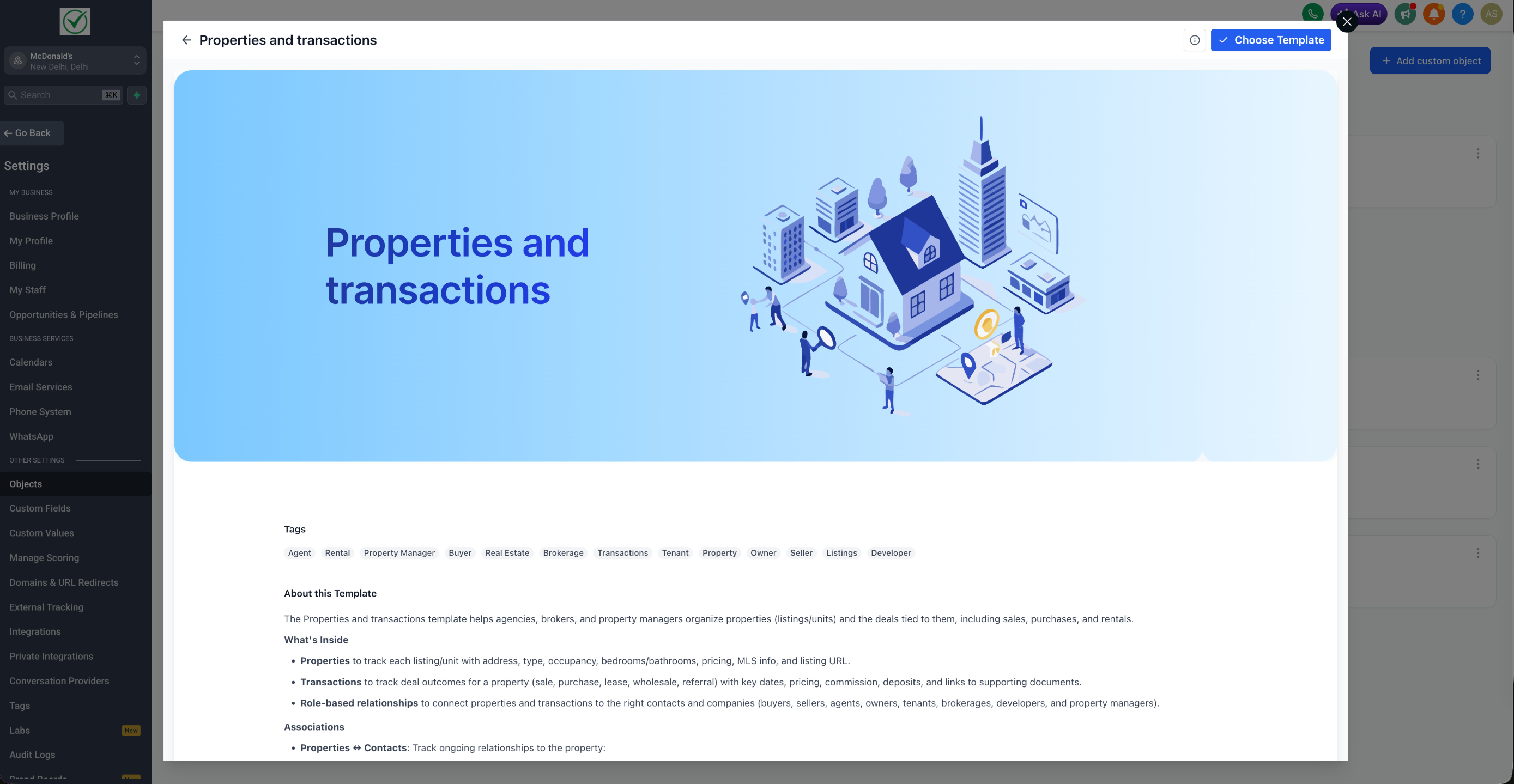
🏡 Real Estate : Properties and Transactions
🛡 Insurance : Policies and Claims
🚗 Automotive : Vehicles and Service Orders
💻 SaaS : Subscriptions and Billing
🎟 Events : Events and Tickets
🐾 Pets : Pets and Pet Care
🏠 Home Services : Service Jobs and Projects
Each template includes:
Pre-configured Custom Objects with industry-relevant fields
Fields grouped into folders for cleaner navigation
Associations that connect records to the right contacts and companies
For Agency Admins
Custom Object templates are part of the existing Template Library, so the controls work the same way you already know. From Template Library → Settings, you can:
Hide or show Custom Object templates per sub-account
Hide entire categories globally to keep the experience focused on your niche
How to Use
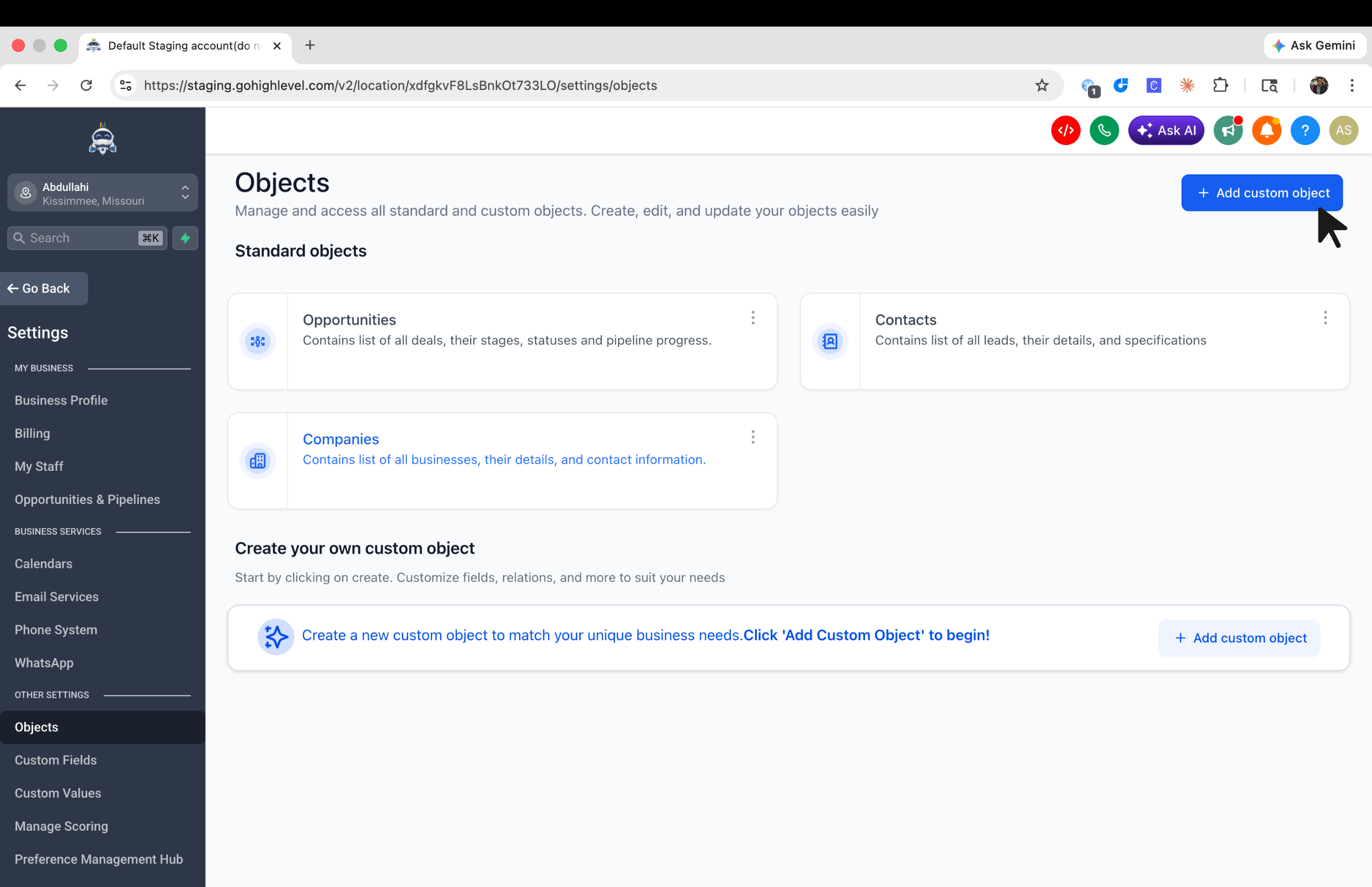
Go to Settings → Objects
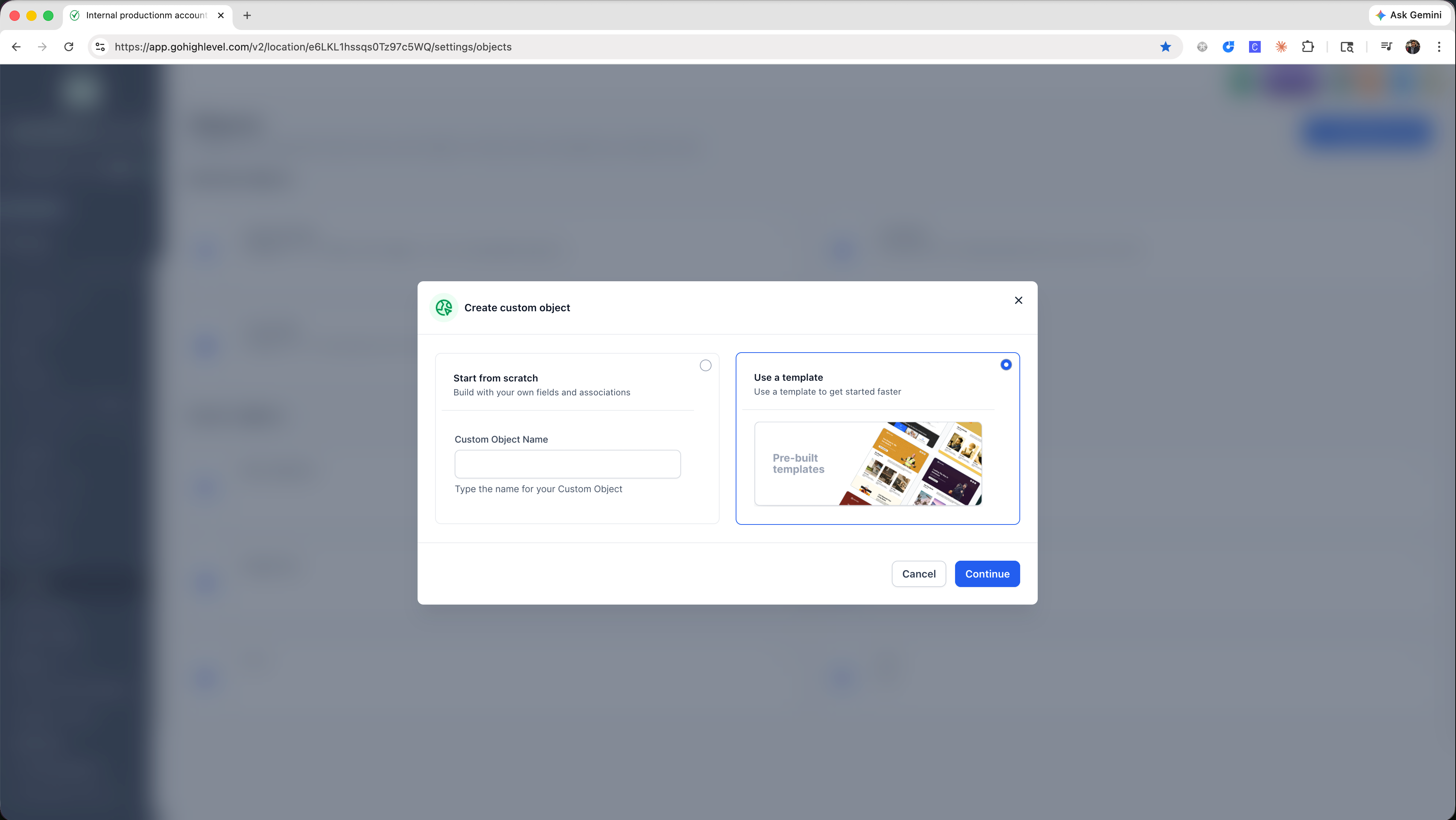
Add Custom Object → Use a template
Pick a template → preview it → click Import objects to apply.