December 12th, 2025
New
Automations
Asana – New Actions & Triggers in Workflows
You can now connect Asana directly to your workflows — making it easy to create tasks, update projects, and sync work between GHL and Asana without relying on Zapier, Make, or custom webhooks.
✅ What’s New
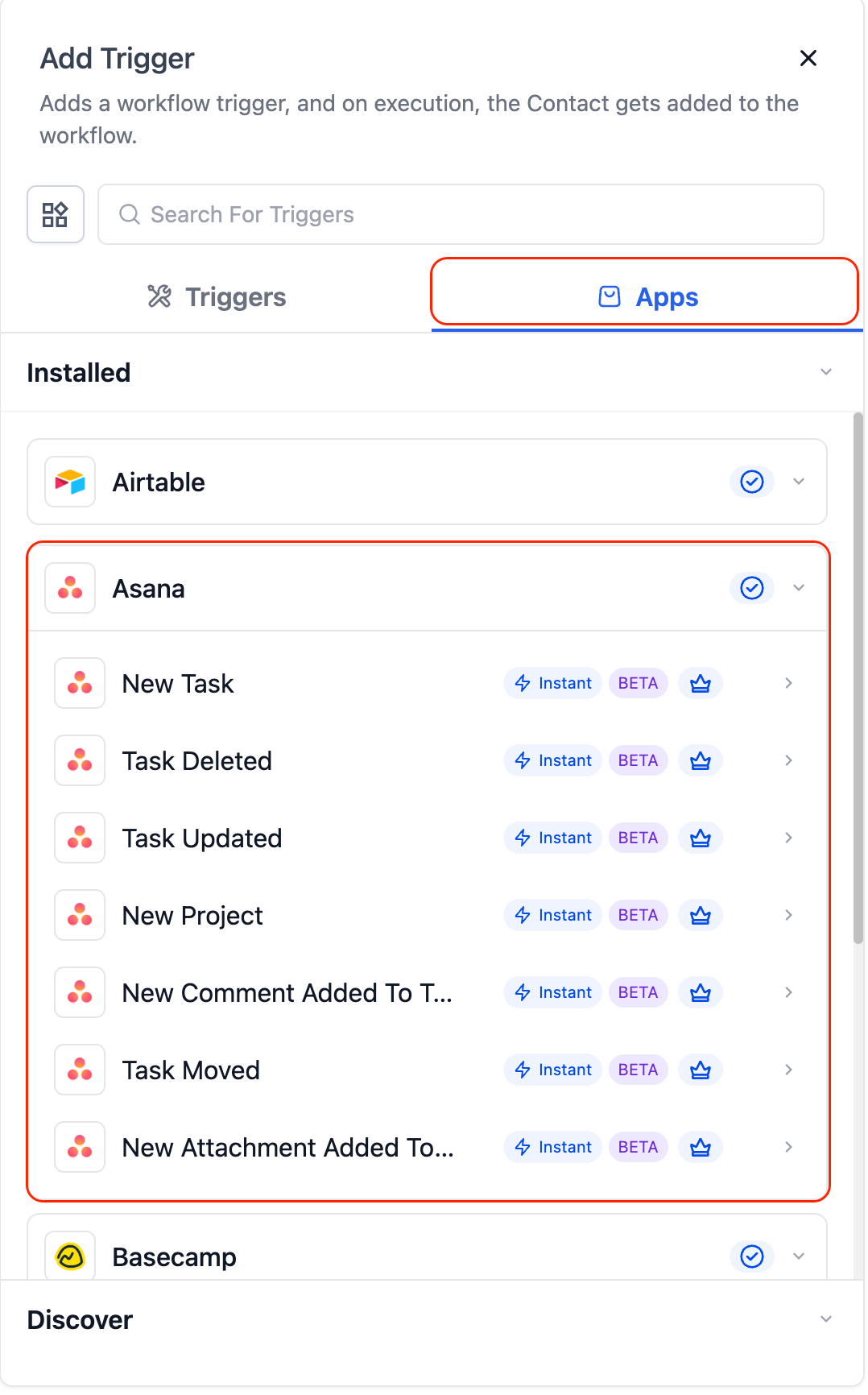
Triggers (from Asana → HighLevel):
Instant triggers that fire the moment activity happens inside Asana:
Task Created (Instant) – Fires when a new task is created.
Task Updated (Instant) – Fires when a task is updated (status, fields, etc.).
Project Created (Instant) – Fires when a new project is created.
Comment on Task (Instant) – Fires when someone adds a comment.
New User – Fires when a new user joins your Asana workspace.
Task Moved to Section (Instant) – Fires when a task moves between sections.
New Attachment Added (Instant) – Fires when a file is uploaded to a task.
Tag Added to Task (Coming Soon) – Fires when a tag is added.
New Subtask (Coming Soon) – Fires when a subtask is created.
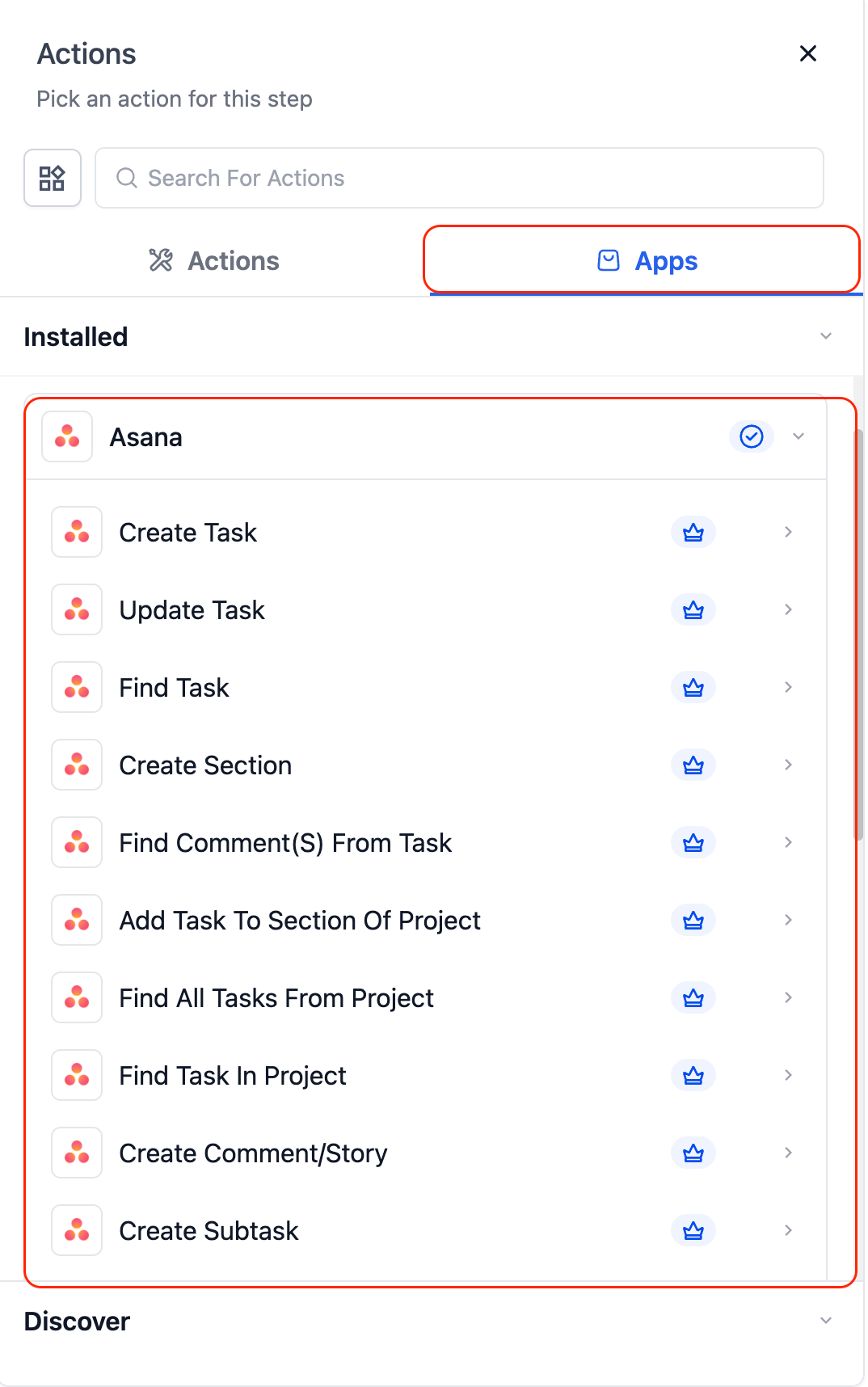
Actions (from HighLevel → Asana):
Create Task – Add new tasks with name, details, due date, and assignee.
Update Task – Modify existing task fields.
Find Task by ID – Look up a task via its Asana task ID.
Find Task – Search tasks by name.
Create Section – Add a new section to an Asana project.
Add Task to Section – Move an existing task into a section.
Create Comment / Story – Add comments or internal notes.
Create Subtask – Add subtasks beneath a parent task.
Create Project – Generate new Asana projects programmatically.
Find All Tasks from Project – Fetch all tasks inside a project.
Find Task in Project – Locate a specific task inside a project.
Find Comment from Task – Retrieve comments on a task.
Find Comment by Task ID – Fetch comments using the task’s ID.
💡 Example Use Cases
Internal Notifications
A task is updated in Asana → HighLevel sends a Slack or email notification to the assigned team member.
Lead → Task Creation
A new lead or form submission is received → HighLevel automatically creates a new Asana task with contact details and follow-up notes.
Cross-Platform Project Syncing
A new project is created in Asana → HighLevel syncs it to ClickUp, Airtable, or other systems to keep all platforms in alignment.
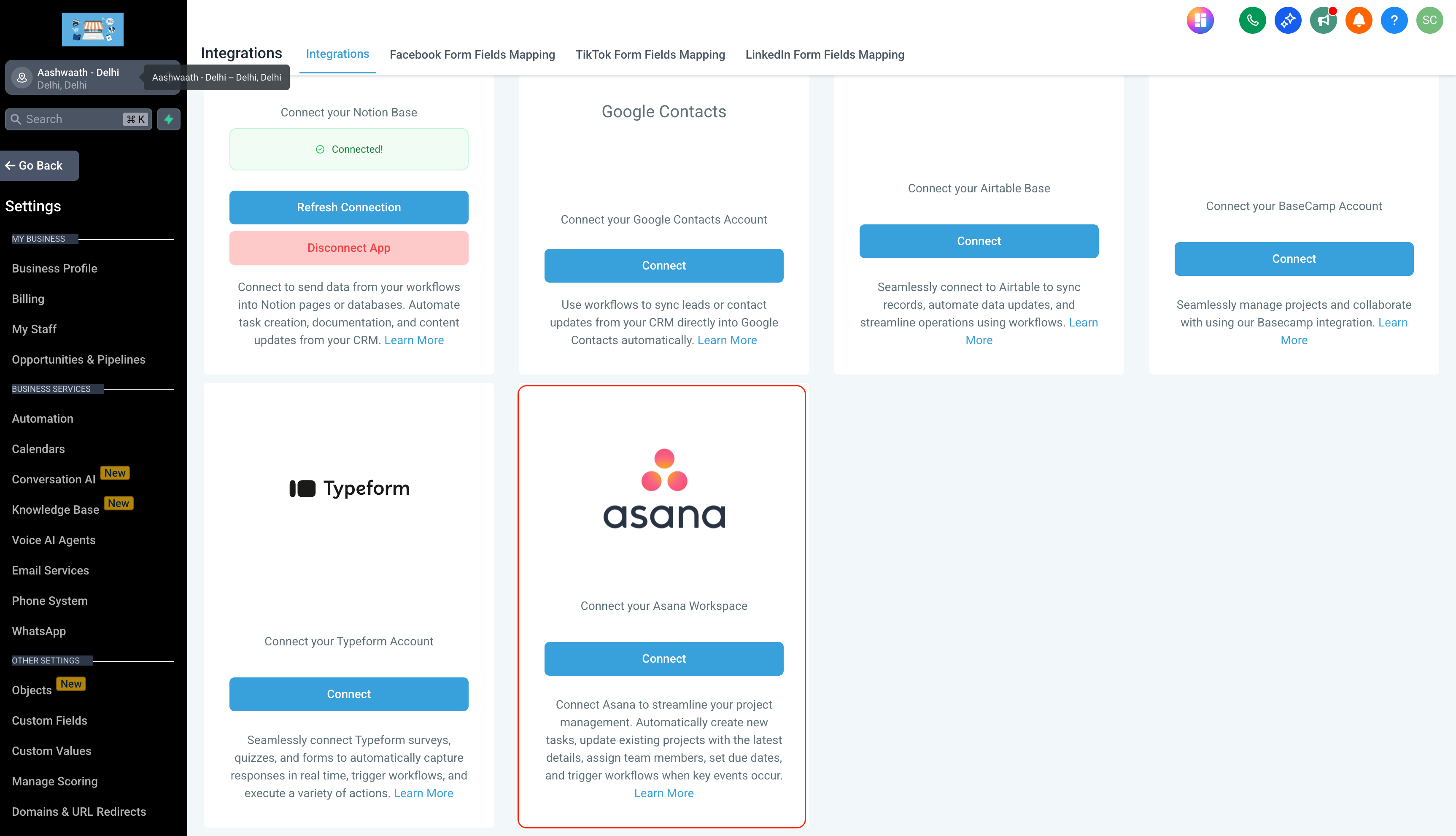
🔌 How to Connect
In Workflows, search for “Asana.”
Select a trigger or action → click Connect Now.
Log in with your Asana account via OAuth.
Or connect via Settings → Integrations → Asana.
⚠️ Notes & Details
All Asana triggers are instant — powered by real-time webhooks (no polling delay).
Works with both free and paid Asana plans (advanced features may require paid tiers).
Recommended: Use Fields Changed when using Task Updated to avoid cascading updates triggering unnecessary workflows.