Ad Manager UI/UX revamp
🧭 Overview
Ad Manager has undergone a complete UI/UX overhaul across the entire product — from campaign creation to performance tracking.
This revamp delivers a modern, consistent, and scalable experience, making it easier to create, manage, and optimize campaigns with better visibility and reduced friction.
✨ What’s New
🆕 End-to-End UI Revamp - All major surfaces are redesigned with a clean, consistent design system:
Campaign Builder flow
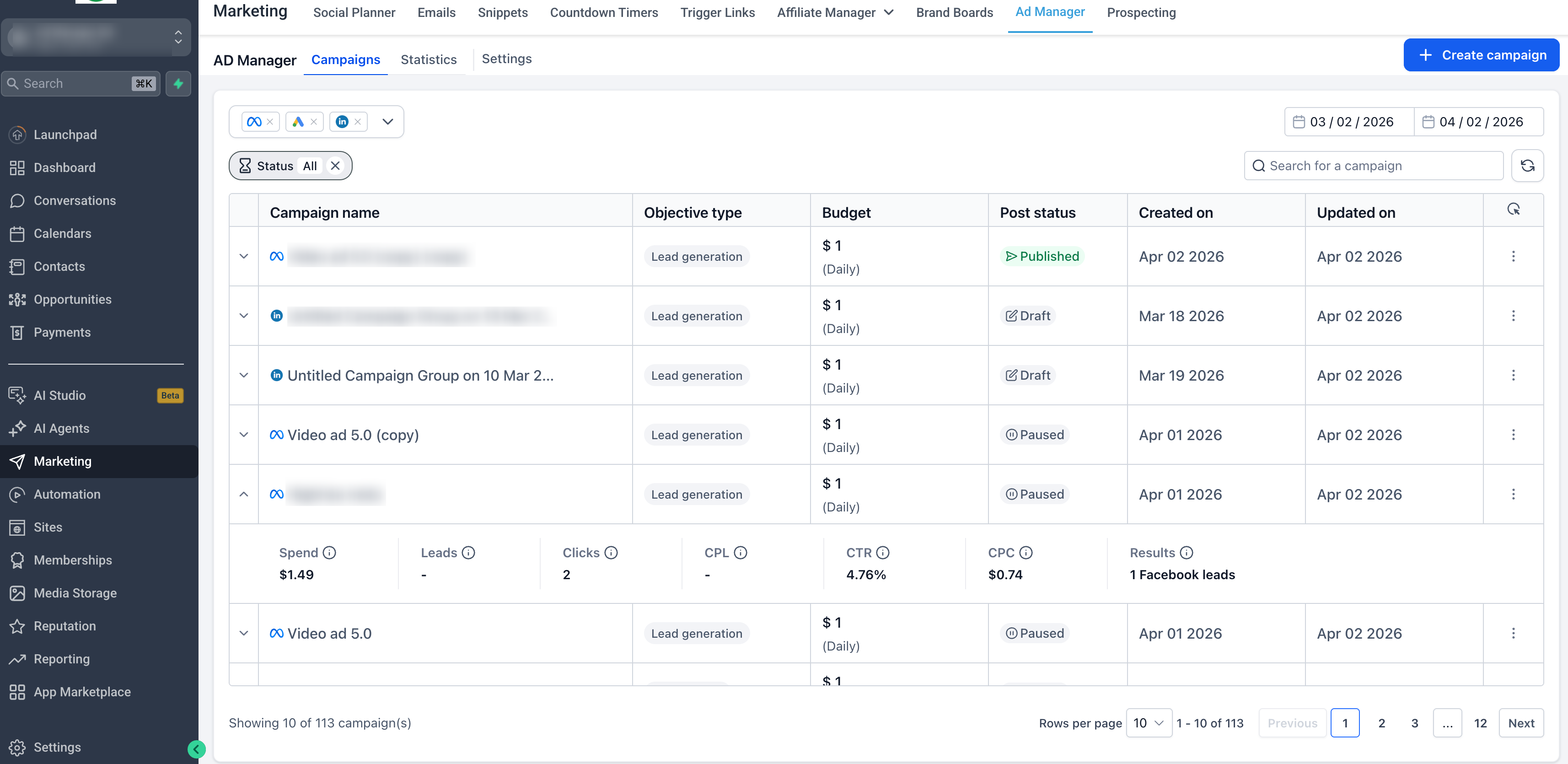
Campaign Listing page
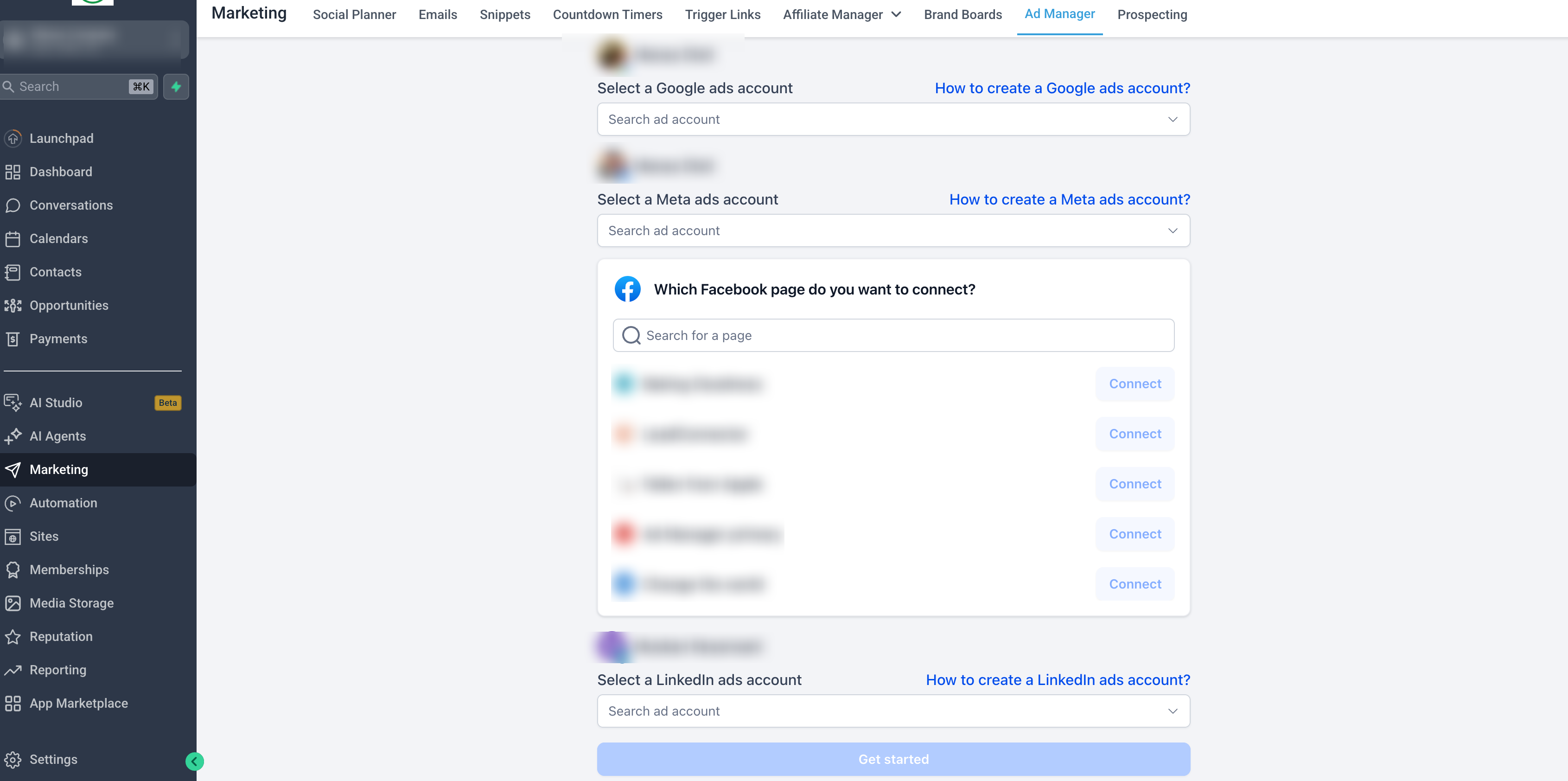
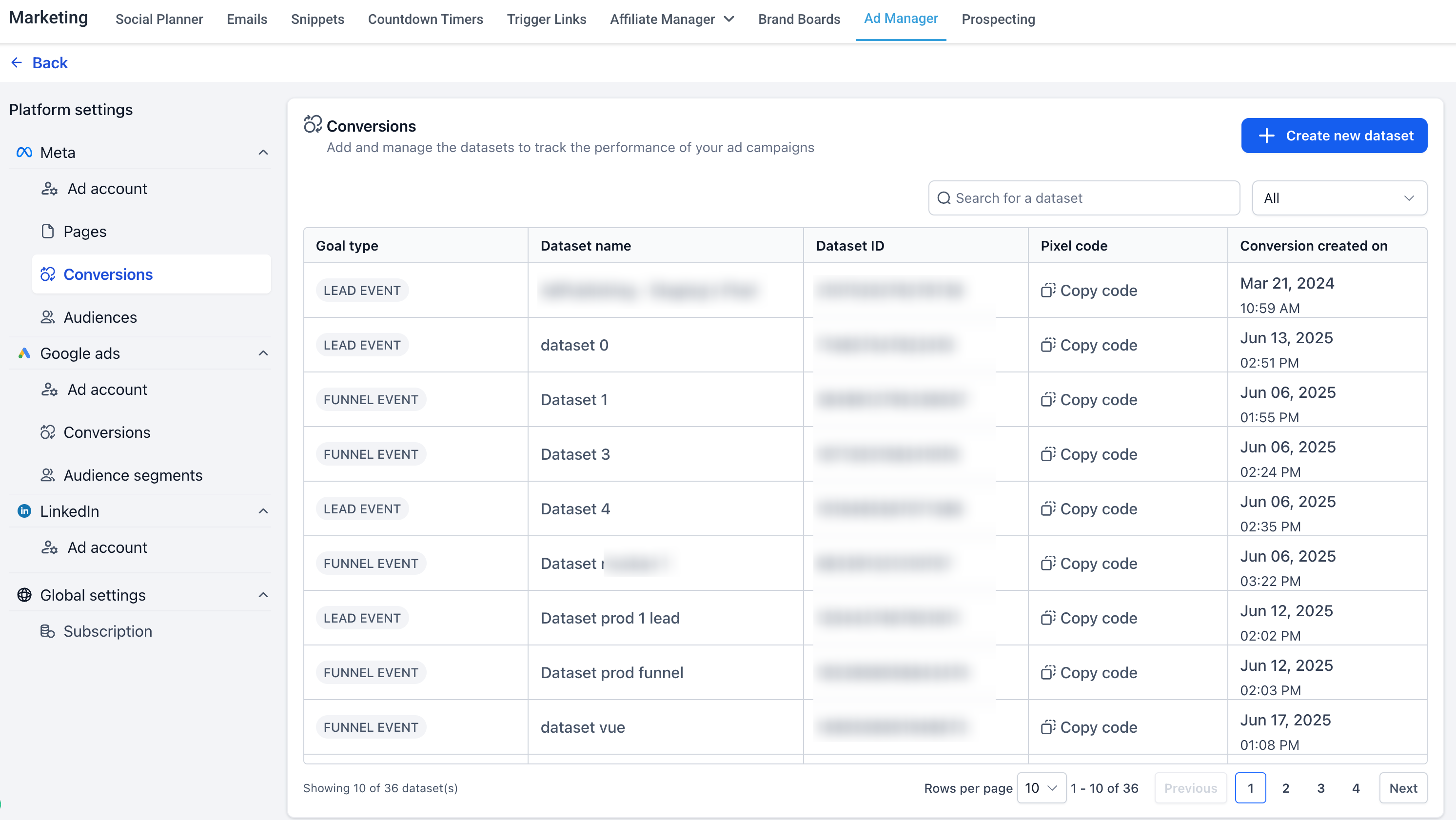
Settings & configuration screens
Audience creation dialogs
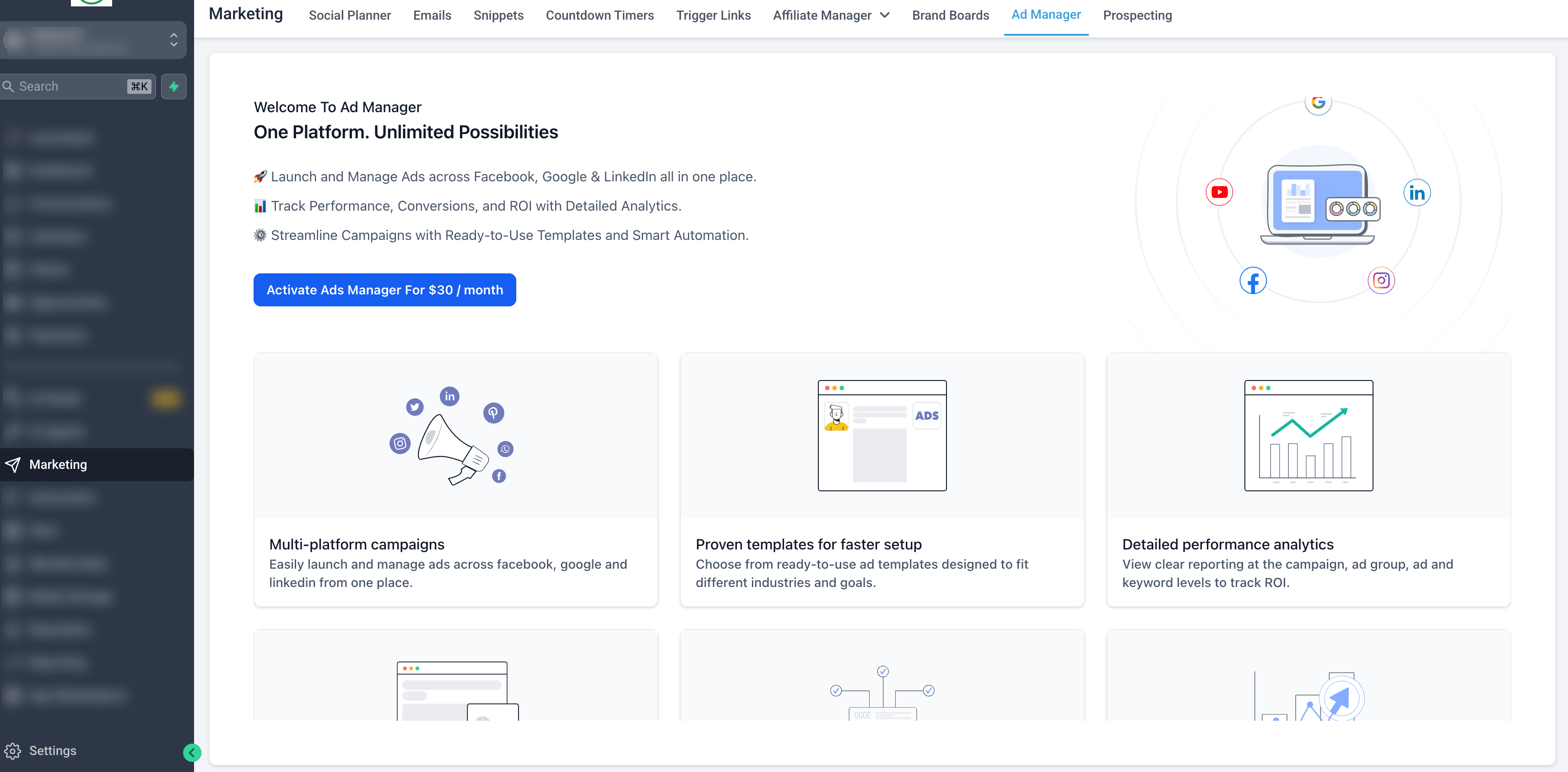
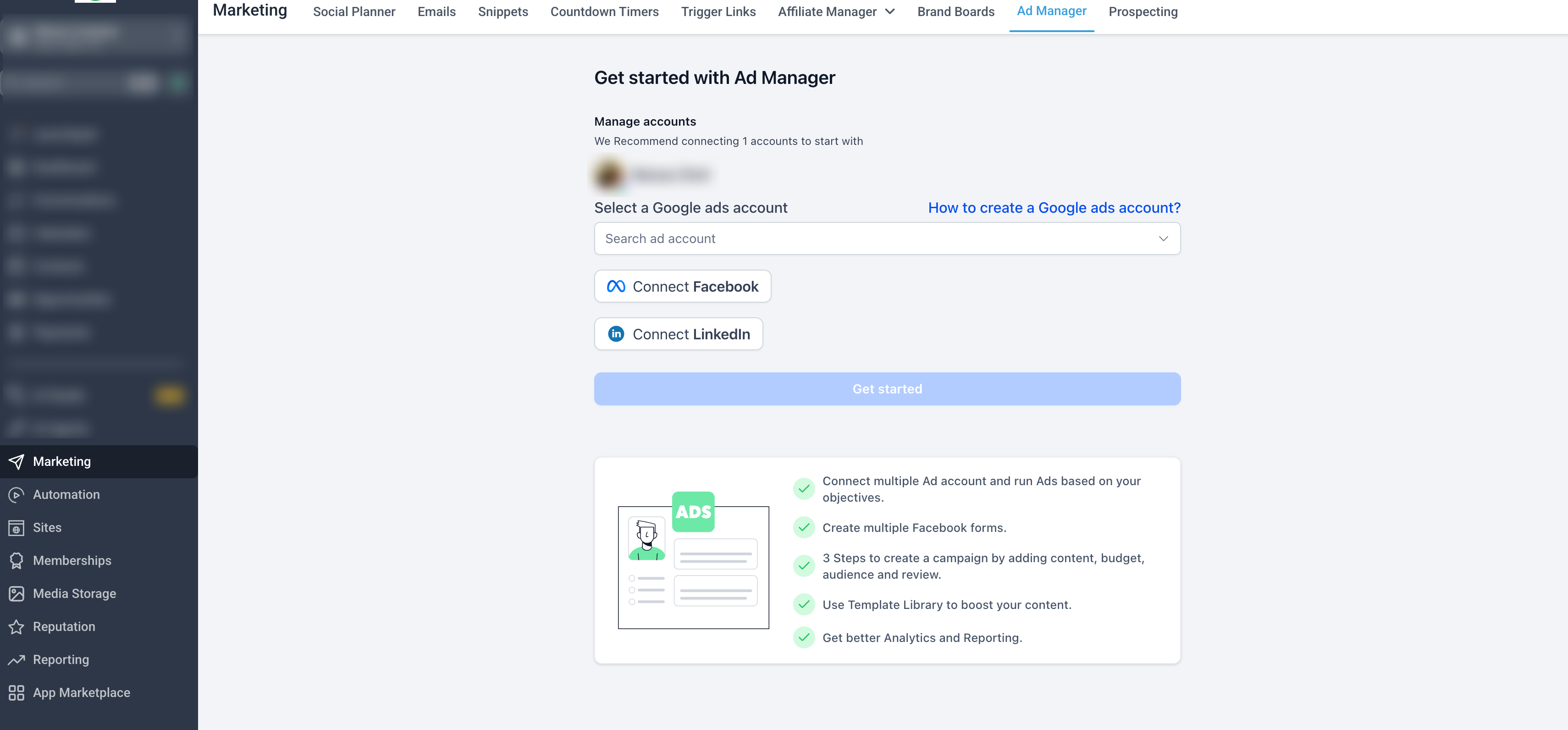
Onboarding & first-time user (activation) experience
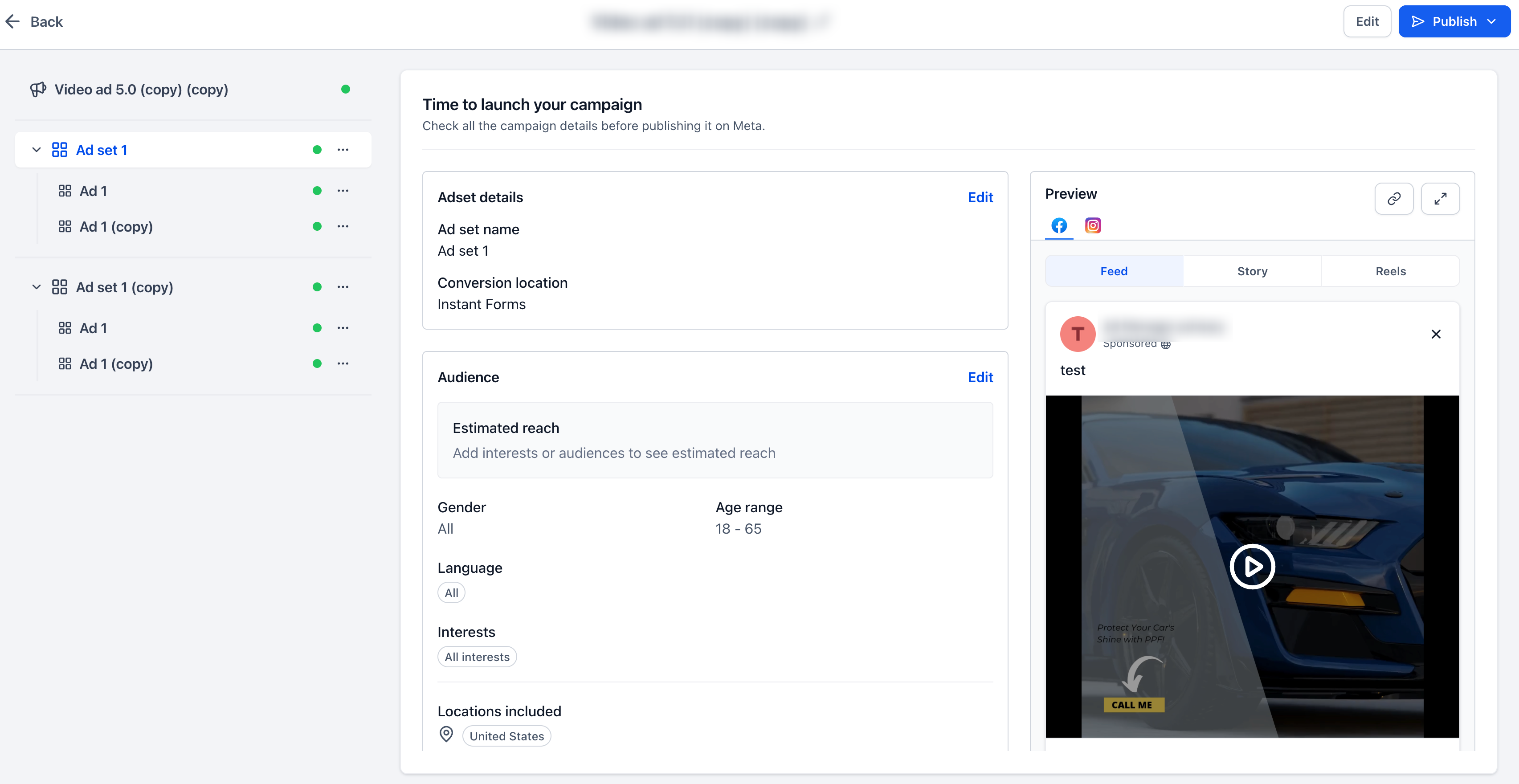
Review & publish screen
Ad preview sections
Error handling & warning prompts
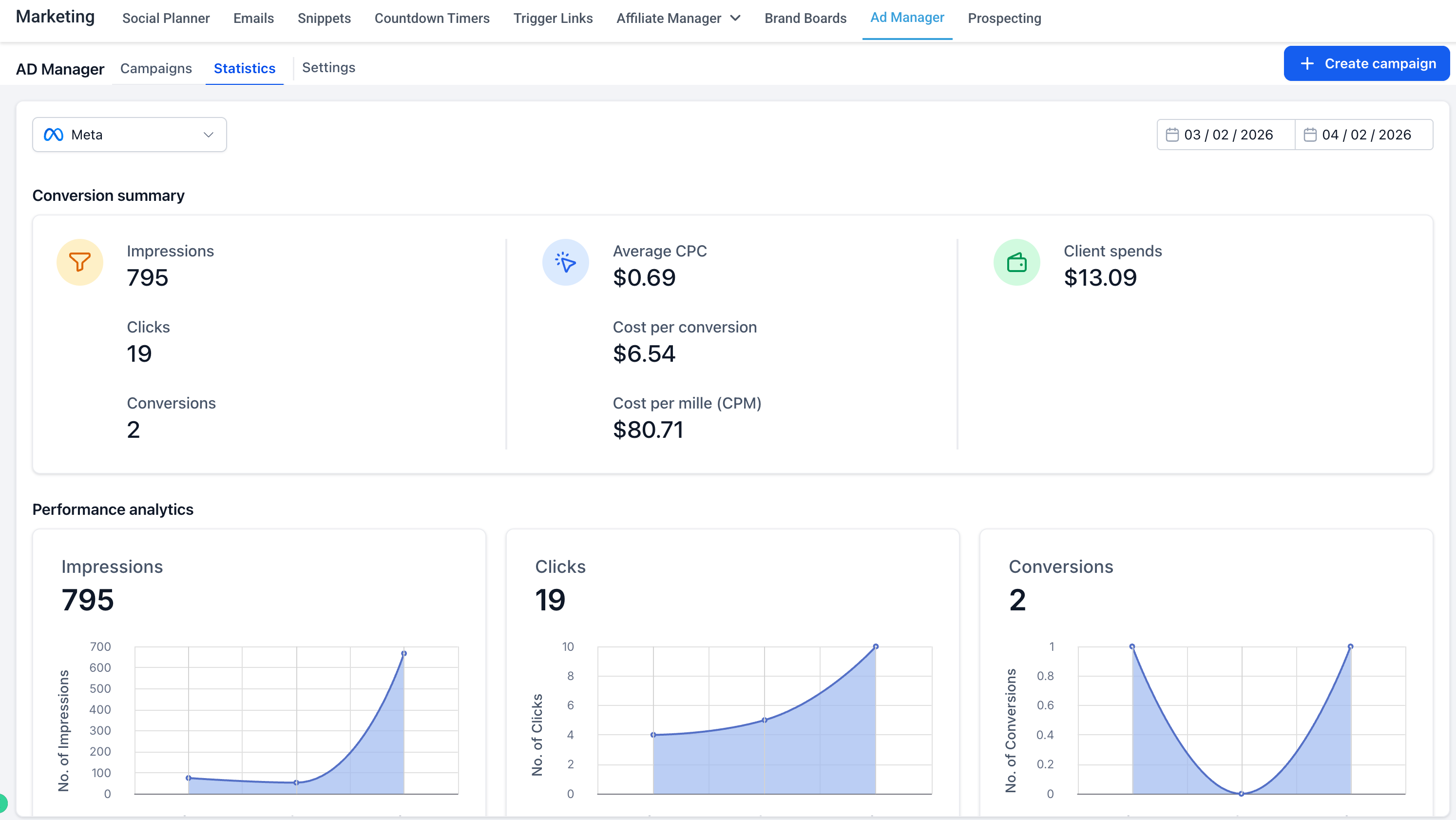
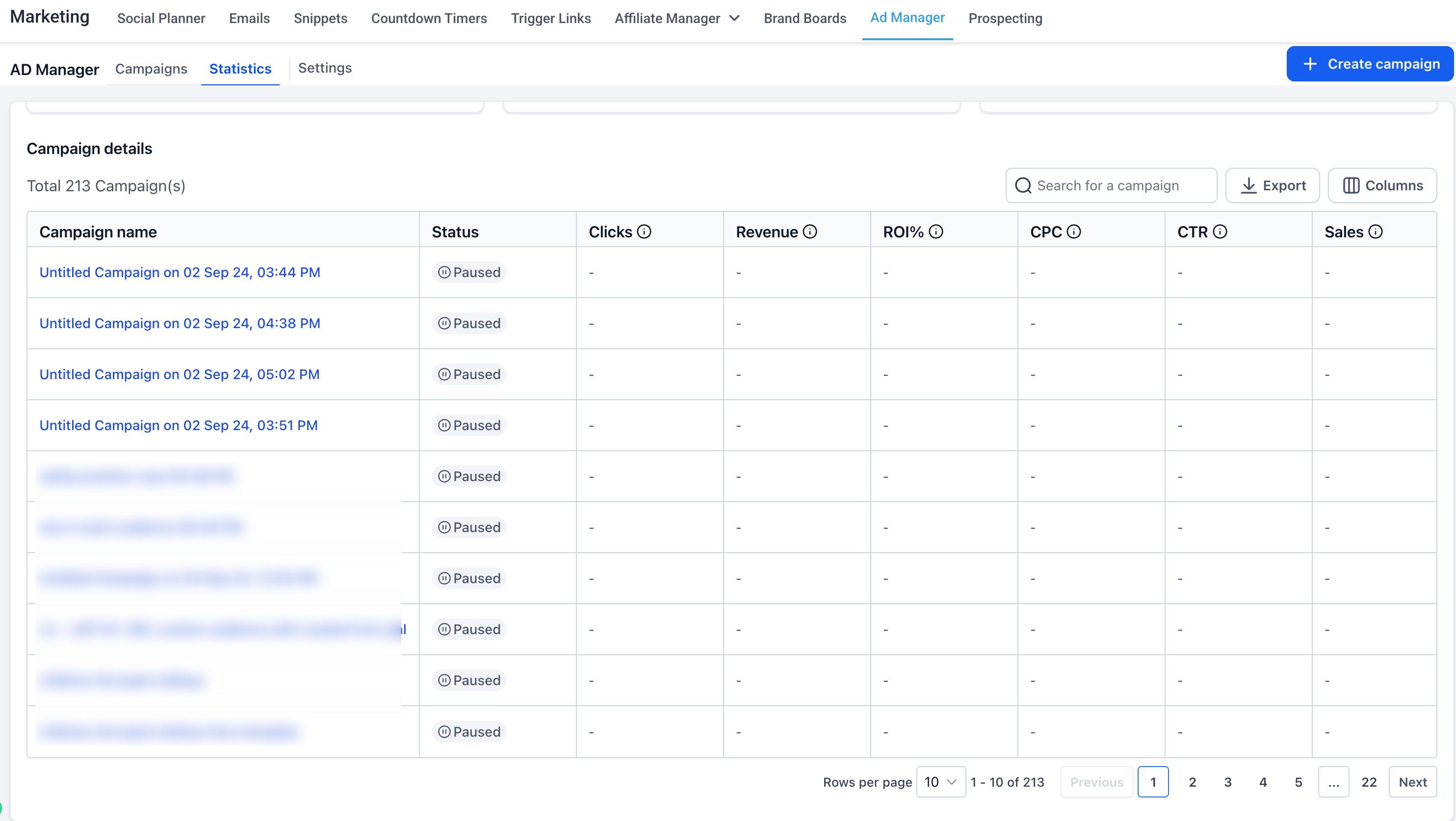
📊 Campaign Listing with Quick Insights
New structured table layout for better readability
Accordion/dropdown view to quickly preview performance (Spend, Leads, Clicks, CPL, CTR, CPC, Results)
Improved filtering, search, and date range selection
🧱 Streamlined Campaign Creation
Cleaner step-by-step builder experience
Better grouping of inputs (objective, budget, targeting, creatives)
Improved validation with clearer error & warning prompts
👀 Improved Review & Preview Experience
Dedicated review screen before publishing
Enhanced ad preview visibility for better confidence before launch
🎯 Key Improvements
Faster campaign creation and navigation
Instant performance visibility without deep dives
Reduced errors with better validations and guidance
Unified experience across all ad platforms
💡 Why It Matters
This revamp transforms Ad Manager into a more intuitive and scalable platform, helping users move from setup → launch → optimization faster, with fewer errors and better decision-making.