May 27th, 2025
New
Social Media
Ad Manager Settings UI revamp
👀 What’s New?
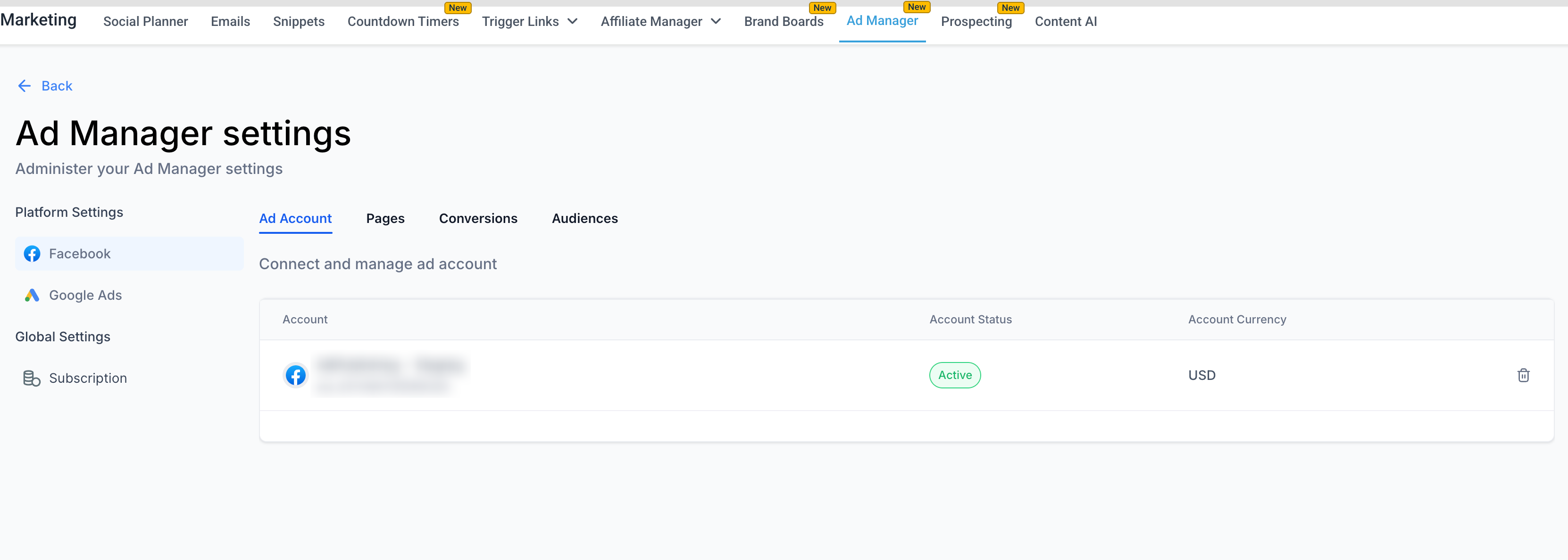
We’ve rolled out a refreshed UI for the Ad Manager settings page, bringing a more intuitive layout that better separates Platform-Specific and Global settings.
Settings are now grouped under Platform Settings (Facebook, Google Ads) and Global Settings (Subscription).
Tabs such as Ad Account, Pages, Conversions, Audiences are now nested within their respective platforms.
Visual alignment, iconography, and button placements have been updated for consistency and better usability.
👷 How It Works:
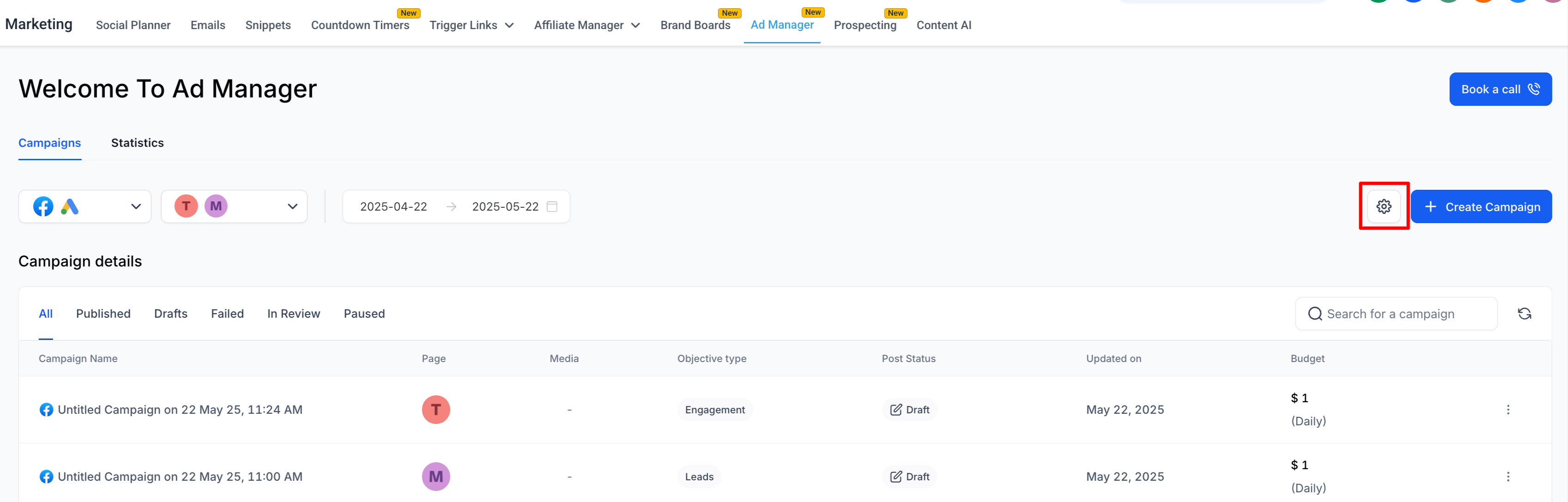
Go to Marketing > Ad Manager > click on the gear icon to land on the Ad Manager settings page.
Platform Settings Sidebar: Choose either Facebook or Google to configure associated ad accounts, pages, pixels, or audiences.
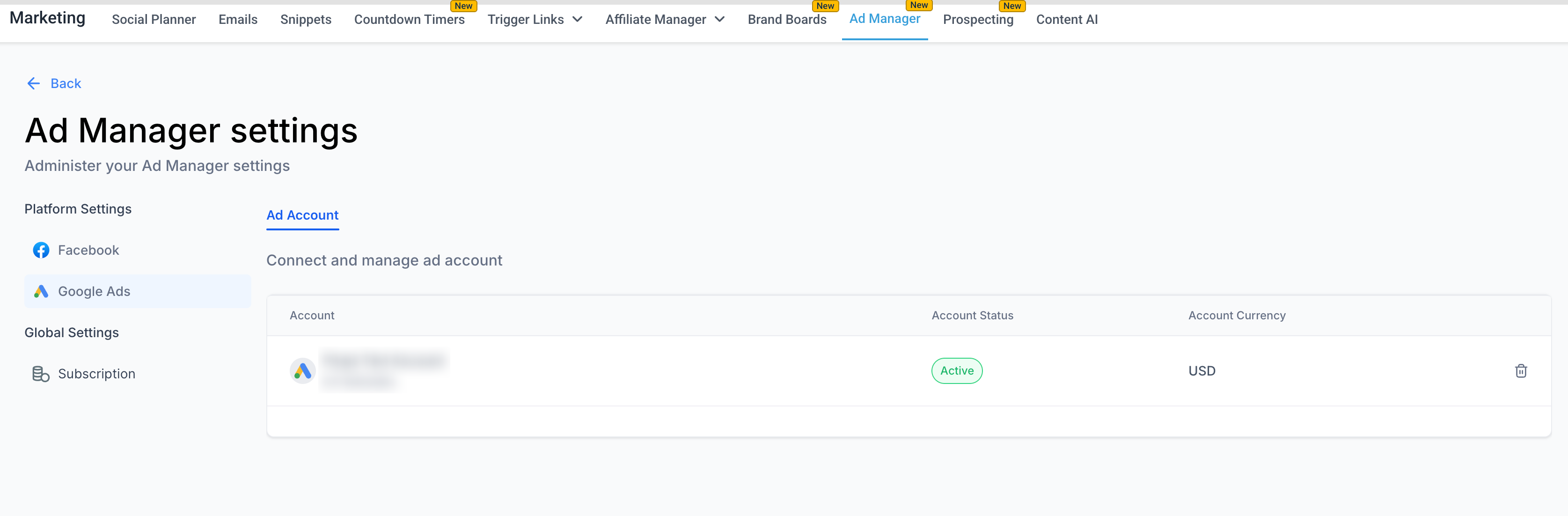
Global Settings: Access subscription info directly under the newly added section.
Cleaner Layout:
Platform tabs (Ad Account, Pages, Conversions, Audiences) are grouped per platform for logical flow.
Updated styling and alignment enhance visibility and reduce cognitive load.
⭐ Why it Matters:
Improved Navigation: Easier access to settings tied to specific ad platforms.
Scalable Design: Prepares the UI for future additions (e.g., LinkedIn ad integrations).
Enhanced Usability: Cleaner hierarchy and better grouping of settings reduce user confusion and improve efficiency in setup.
📝 Notes:
No changes have been made to core functionality - this update is UI-only.
All user permissions and ad integrations remain as previously configured.