October 13th, 2025
Improved
Automations
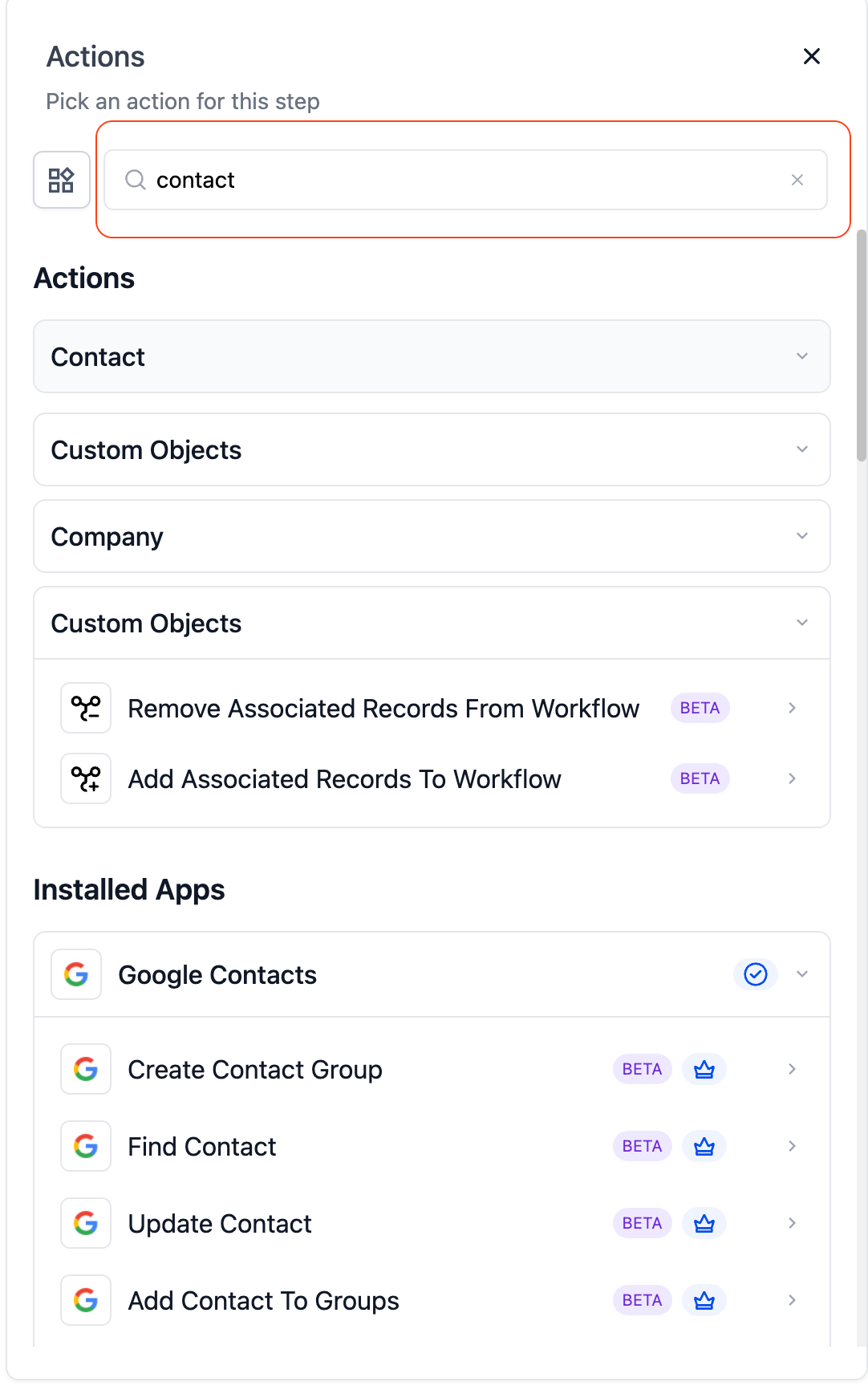
Revamped Actions & Triggers Search Bar in Workflows
A faster, smarter, and more intuitive way to find the right actions and triggers inside Automations — with richer metadata, powerful filters, and a modernized search experience built to scale beyond large number of actions, triggers and apps.
New
Introduced a centralized, unified search bar in Automations Builder to help users find actions and triggers faster.
Supports 1,000+ actions and triggers across Built-in, Marketplace, and AI categories.
Added a new popup modal for browsing actions and apps, followed by inline configuration once selected.
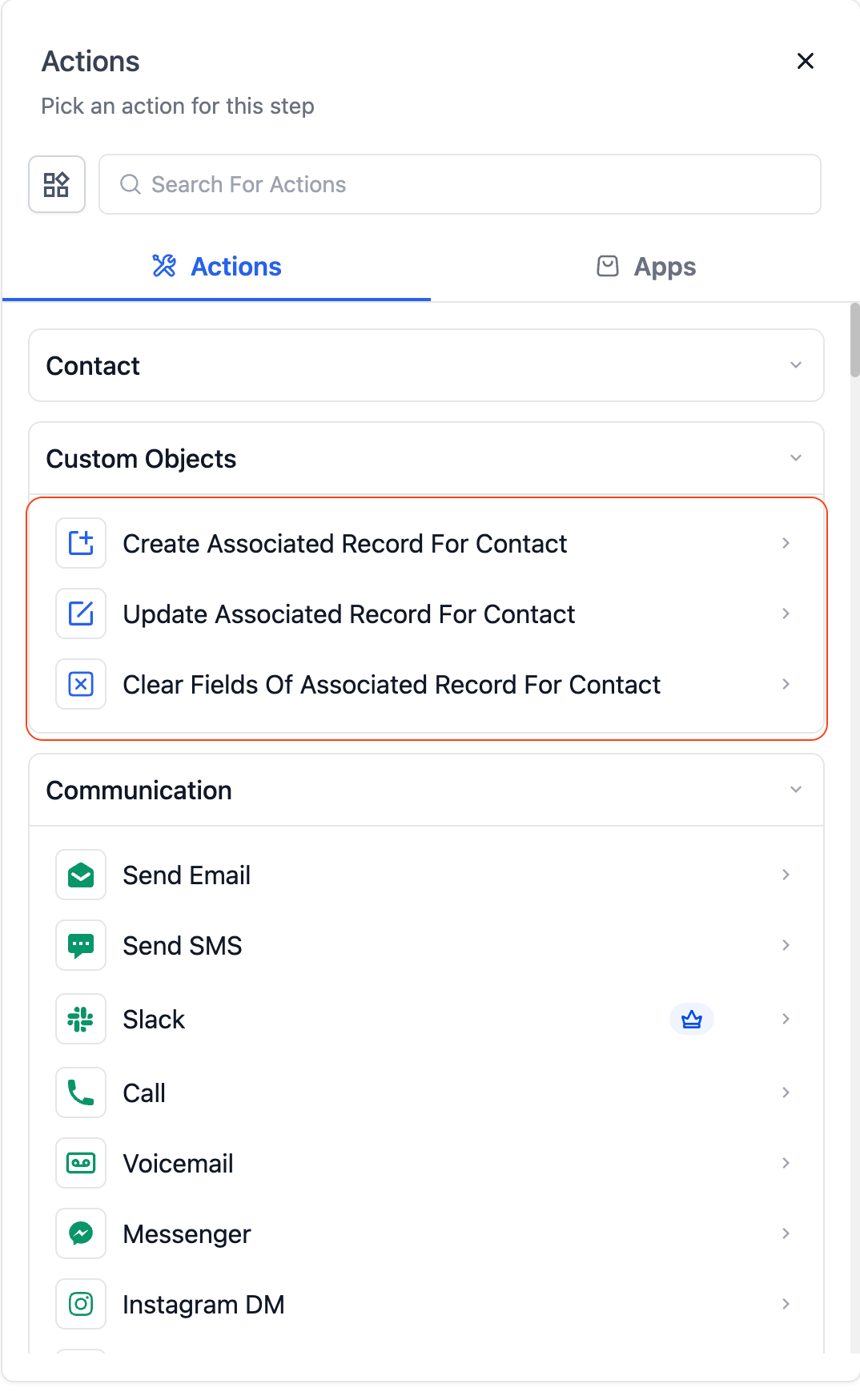
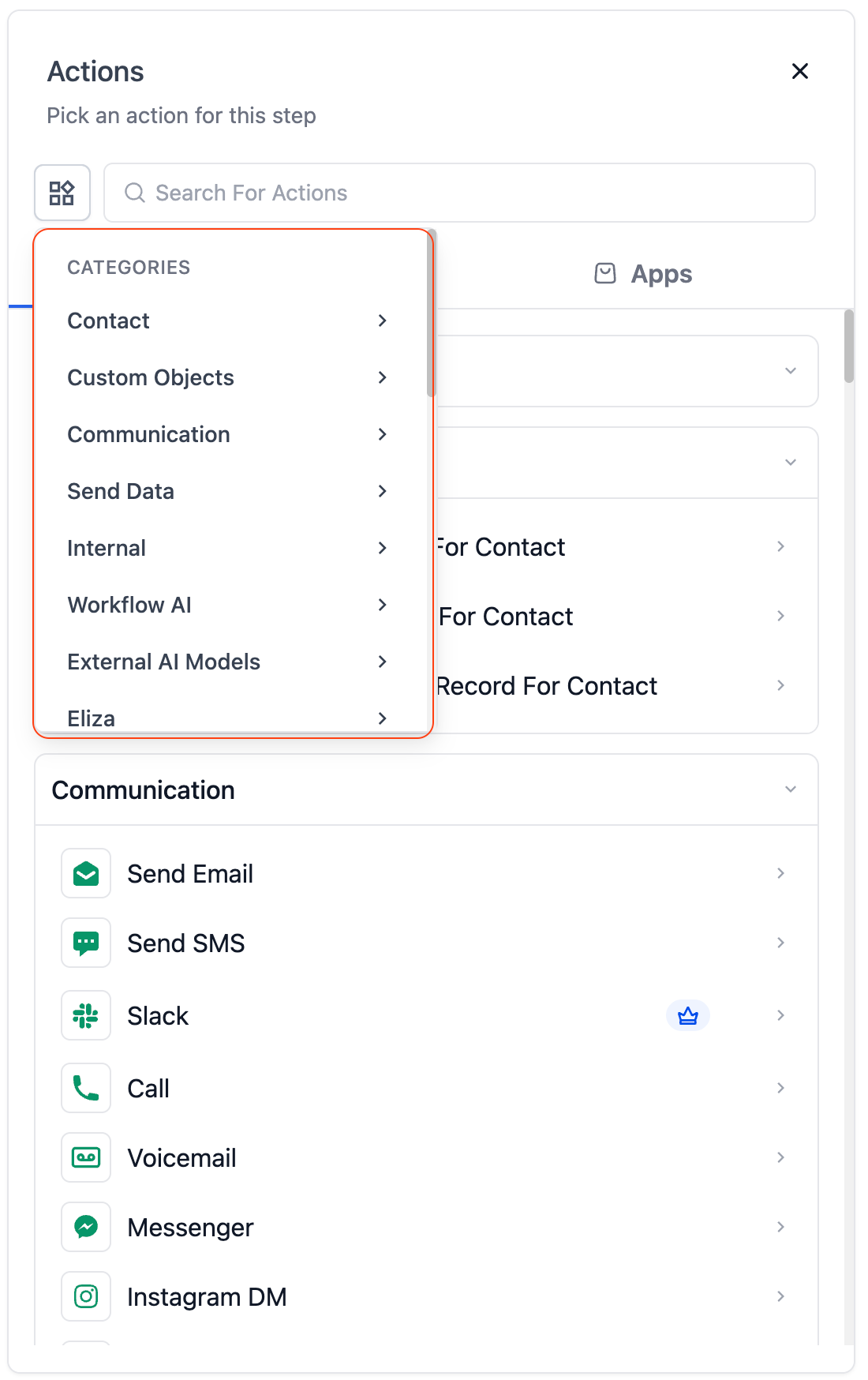
Added category-based filtering to simplify navigation across key sections:
Contact
Custom Objects
Communication
Workflow AI
External AI Models
Internal
Eliza
Enhanced
Added rich metadata for every app and action, including:
Pricing per execution (Free, Paid, Premium)
Ratings and number of installs
“Native” and “Beta” badges
Short app descriptions for better context
Apps
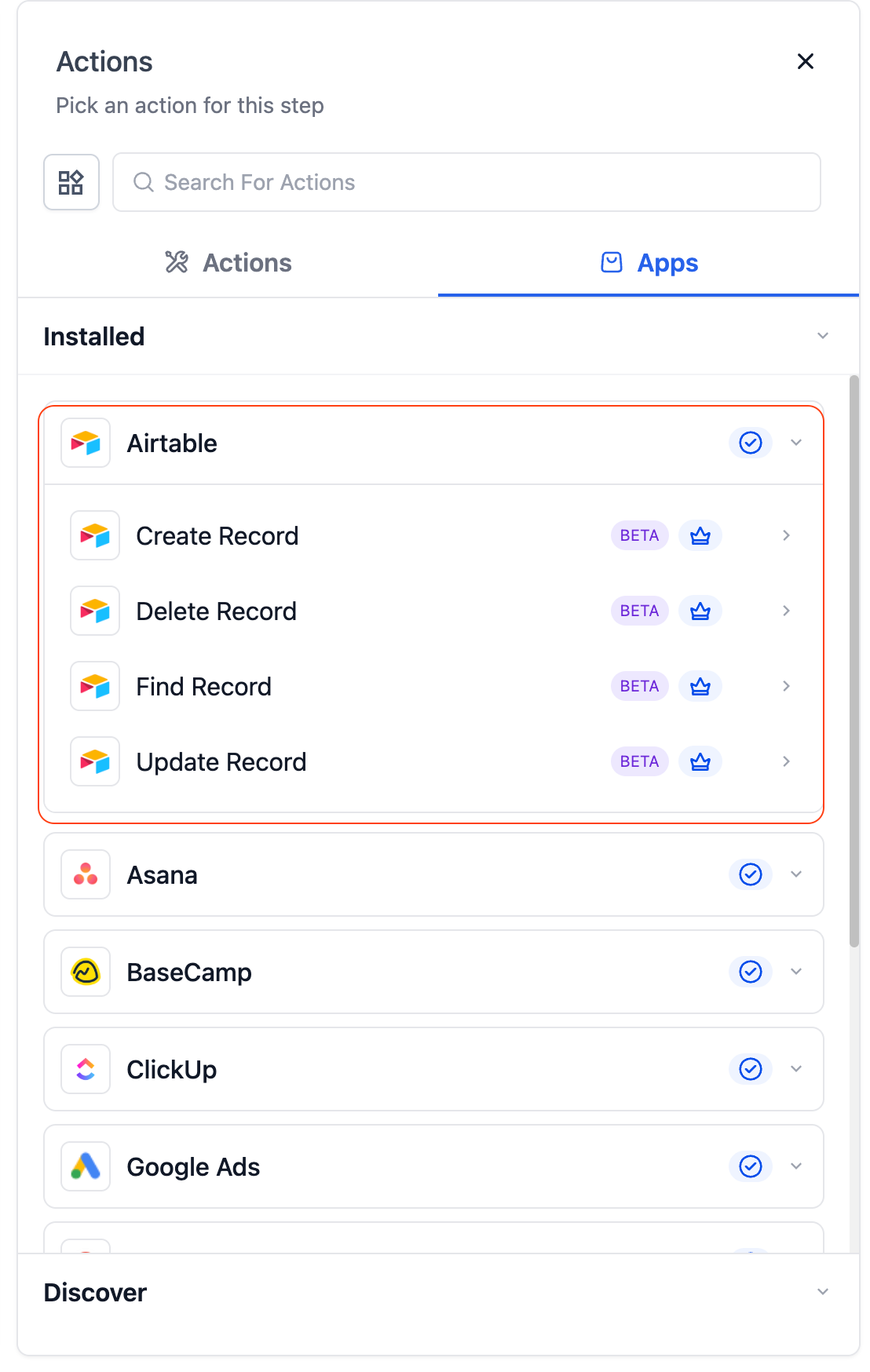
Introduced a clear tab-based structure to organize native tools, installed apps, and Marketplace integrations.
Tools Tab: Displays all HighLevel-built tools and logic blocks, such as If/Else Logic, AI Actions, Webhooks, Wait Steps, etc.
Apps Tab: Houses all installed integrations — including popular tools like Airtable, Asana, Basecamp, ClickUp, Google Ads, Google Contacts, and more.
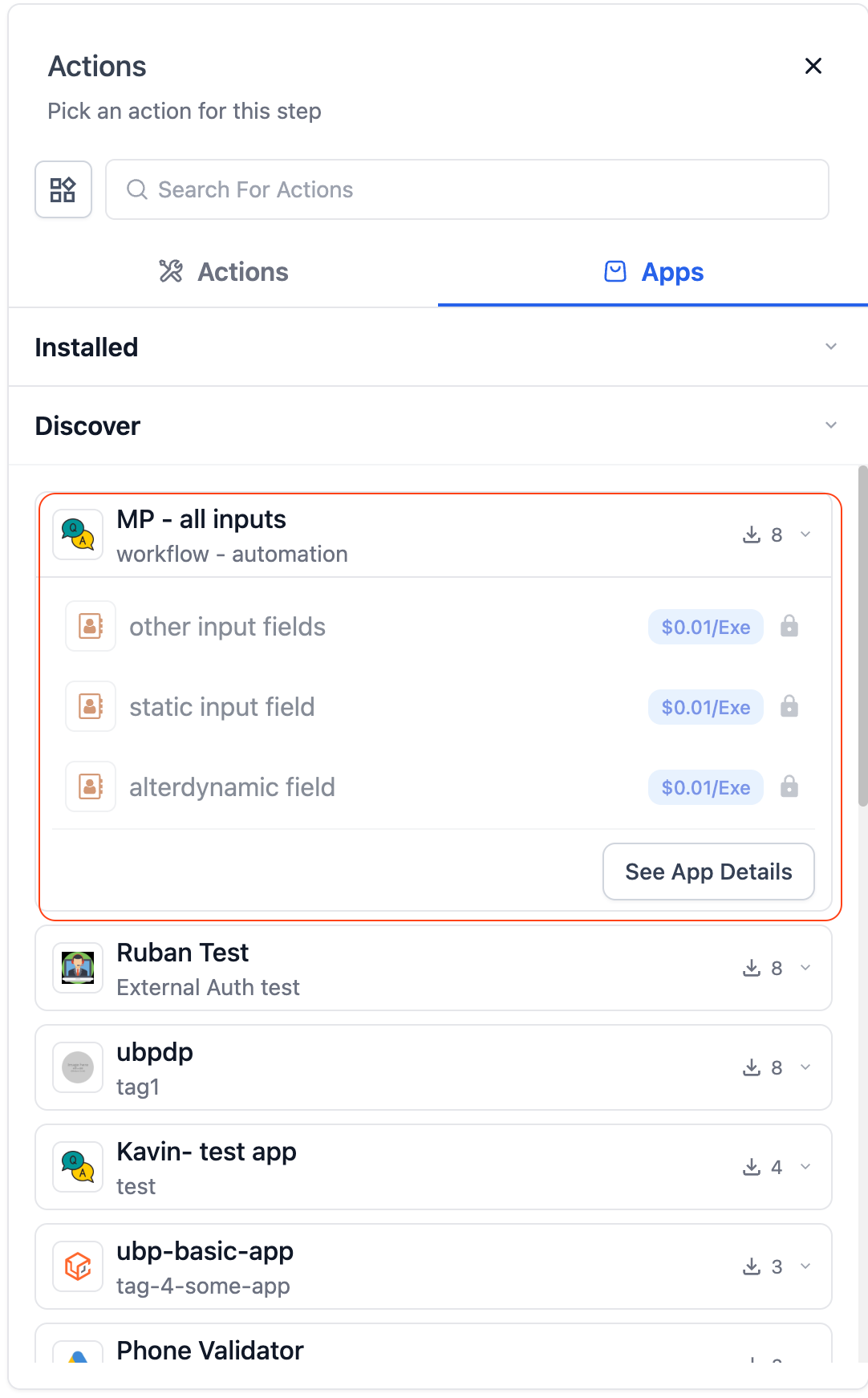
Discover sections under the Apps tab: Contains external Marketplace apps that are not yet installed, helping users explore new apps from marketplace.
External apps have been moved entirely under the Discover tab for a cleaner in a new seperate section, more intuitive browsing experience and better discovery.
Added app-specific metadata (pricing, ratings, install counts, badges) directly inside search results for better transparency.
Introduced pricing chips (Free, Paid, $ per execution) and lock icons for premium apps to help users quickly identify cost-related information.
Improved load performance for the Apps section, ensuring smoother rendering even when handling large numbers of apps.
Added consistent app card design — showing logo, title, pricing, and tags for visual clarity.