June 27th, 2025
New
Documents and Contracts
Documents & Contracts: Now supports Email Attachments
What’s New?
You can now attach multiple files (SVG, PNG, JPG or PDF, up to 15 MB each) to any document inside both the Document Builder and the Template Builder.
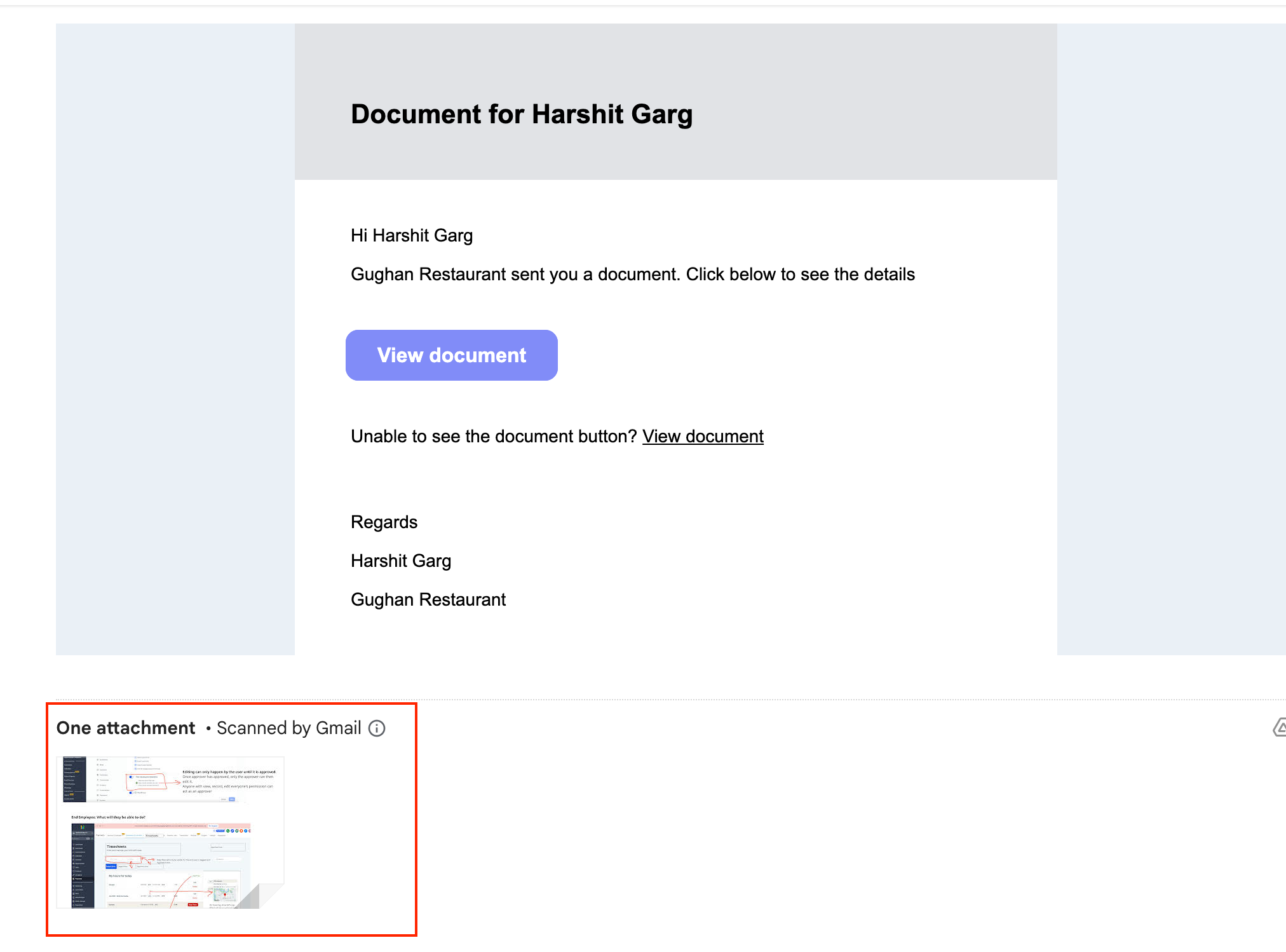
When the document is sent—whether manually, through a Workflow —the chosen files travel as real email attachments, visible and downloadable in the recipient’s inbox.
How to Use It
Open any document or template in the Document Builder.
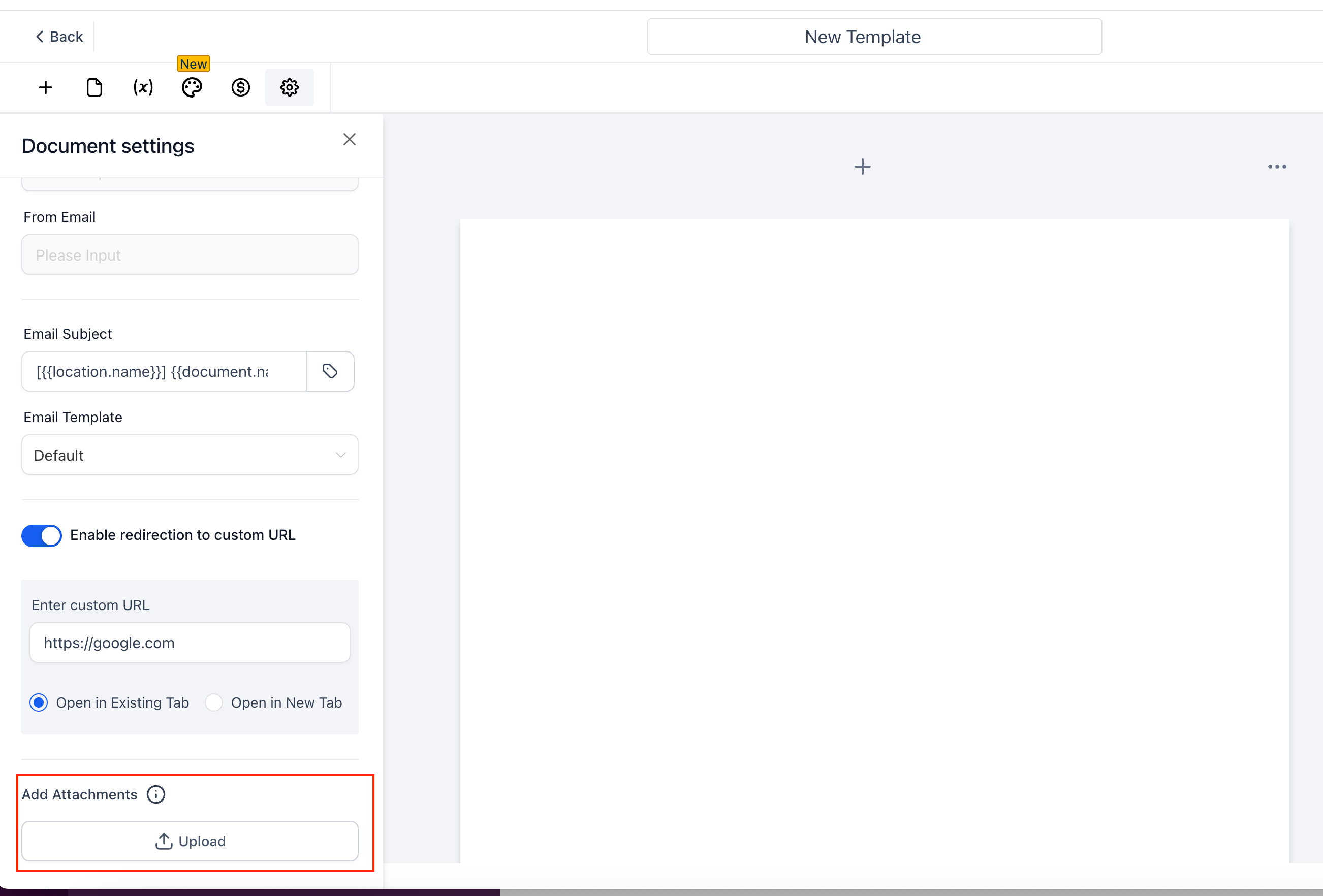
In the left-hand “Document settings” panel, locate Add Attachments and hit Upload.
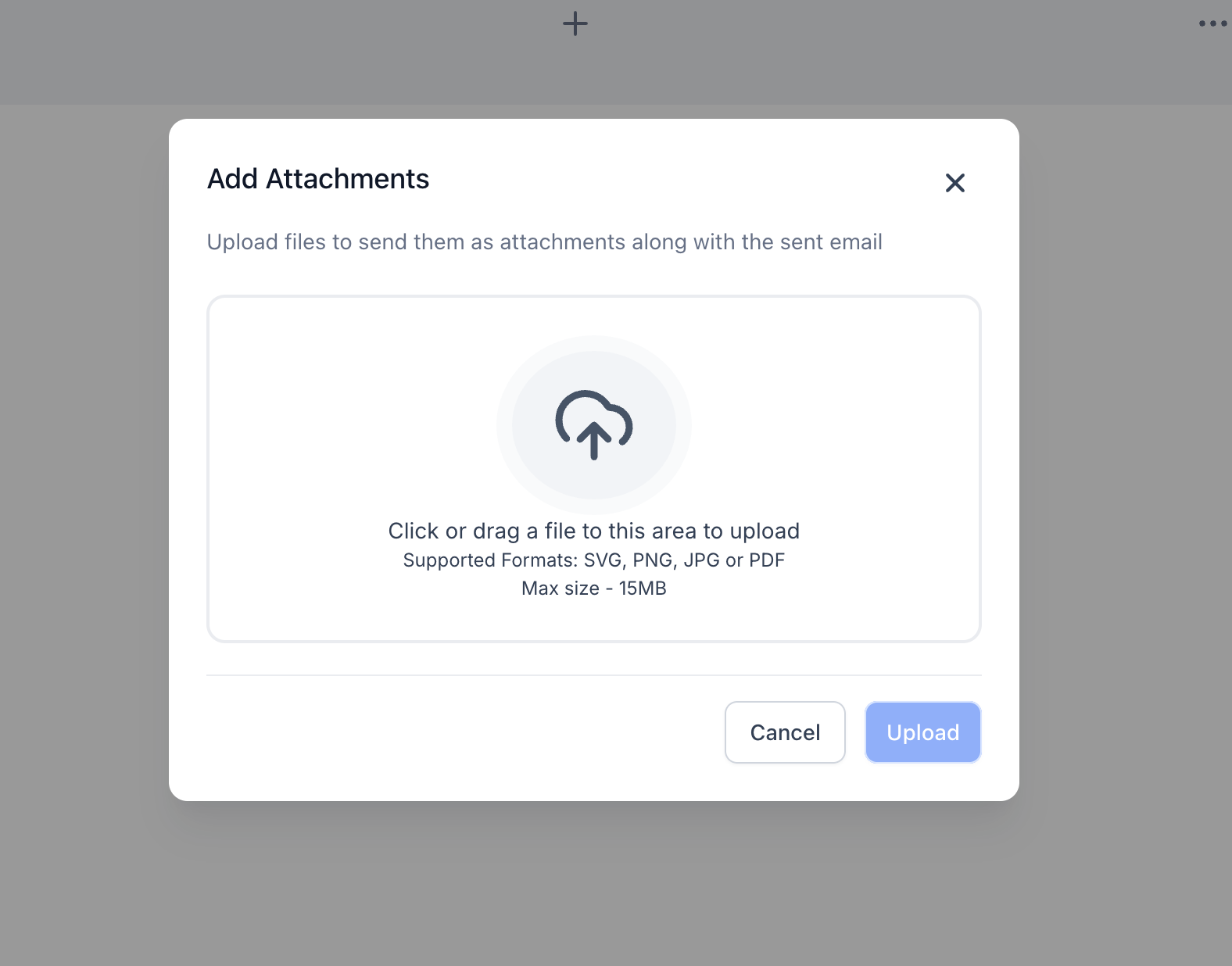
Drag & drop files or browse your computer. Supported formats: SVG, PNG, JPG, PDF (≤ 15 MB each).
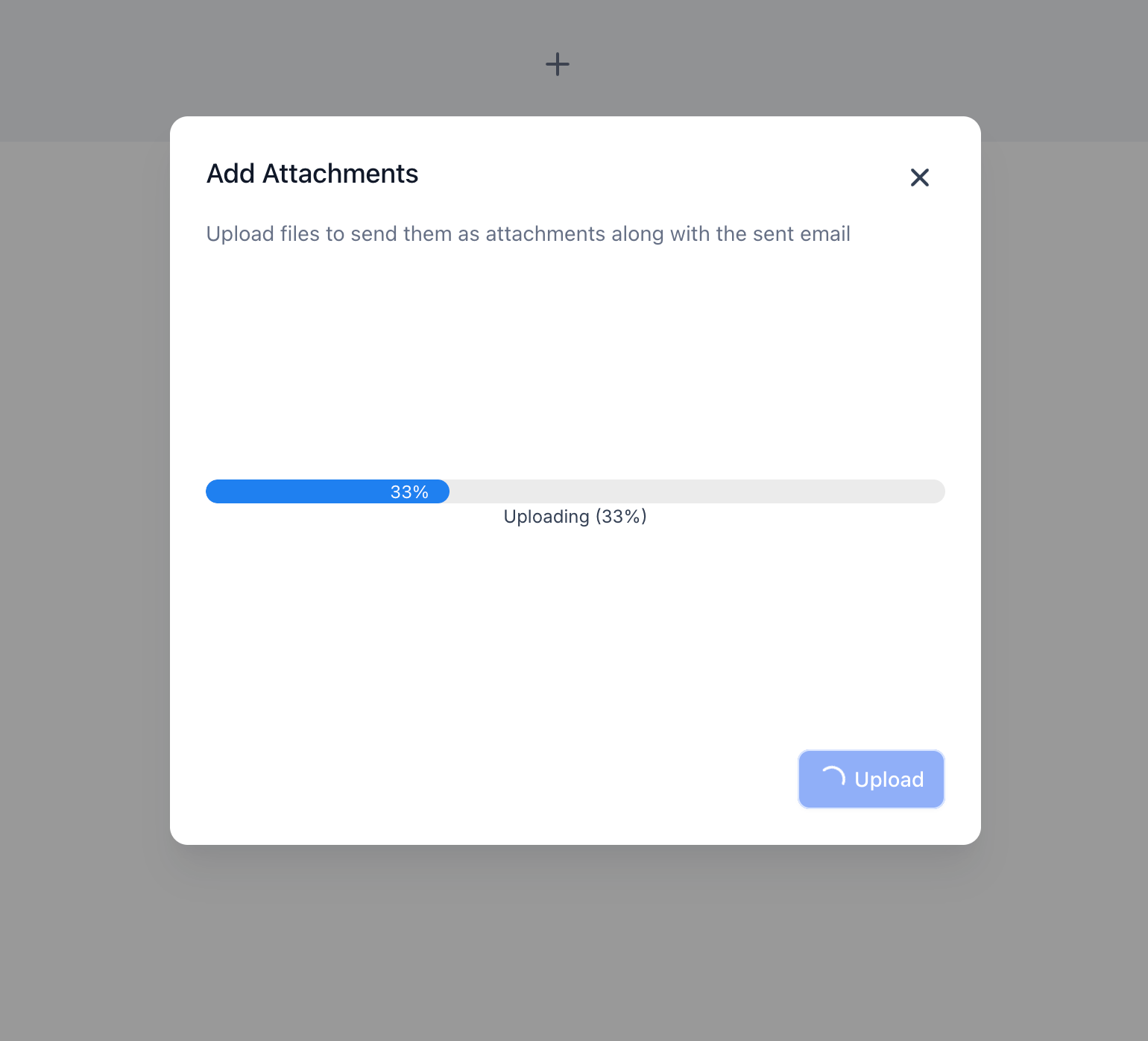
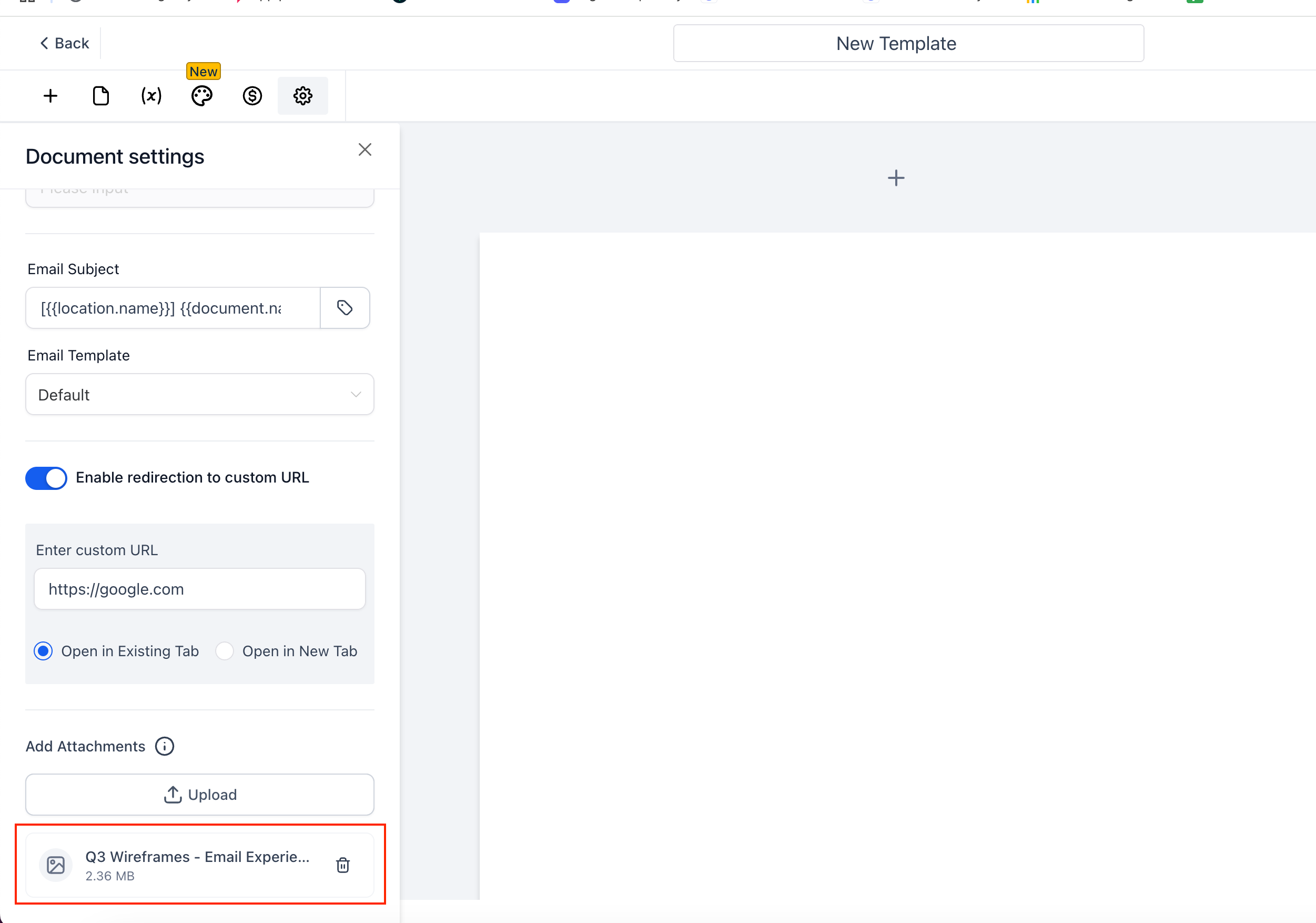
Watch the real-time upload progress; remove any file with the 🗑 icon if needed.
Save the document or template.
When you click Send (or when a Workflow sends it), the files will appear as standard email attachments for the recipient.
Why we built it?
To enable clients to send a single email that contains both the contract and all supporting documents.