April 14th, 2025
New
API
Custom Webhook Action – Security & Usability Enhancements
We’ve introduced key improvements to the Custom Webhook action, focusing on enhanced security for sensitive information. These updates aim to protect secret keys from being exposed in plain text and provide more streamlined credential management.
What’s New
Masked Secret Keys
Sensitive credentials (e.g., secret keys) are now stored securely and masked in the interface, preventing accidental exposure. This applies to Basic auth, Bearer token, and API key authentication methods.
User-Friendly Management
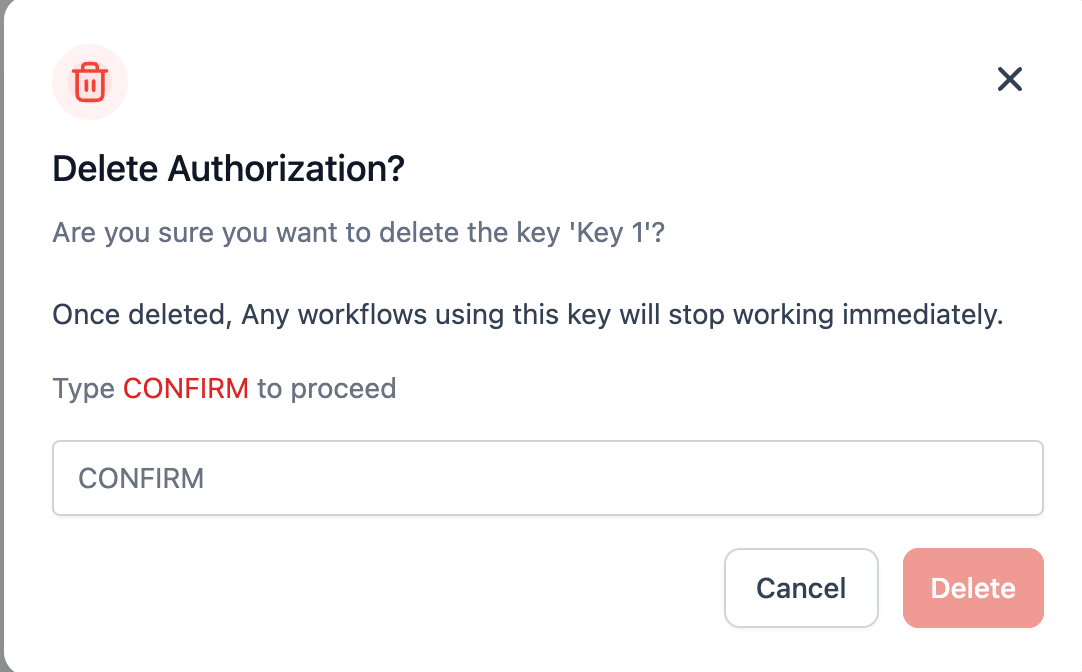
When updating or deleting existing keys, the interface guides you through the process without ever displaying the raw values, helping you avoid accidental leaks.
Why It Matters
Enhanced Security
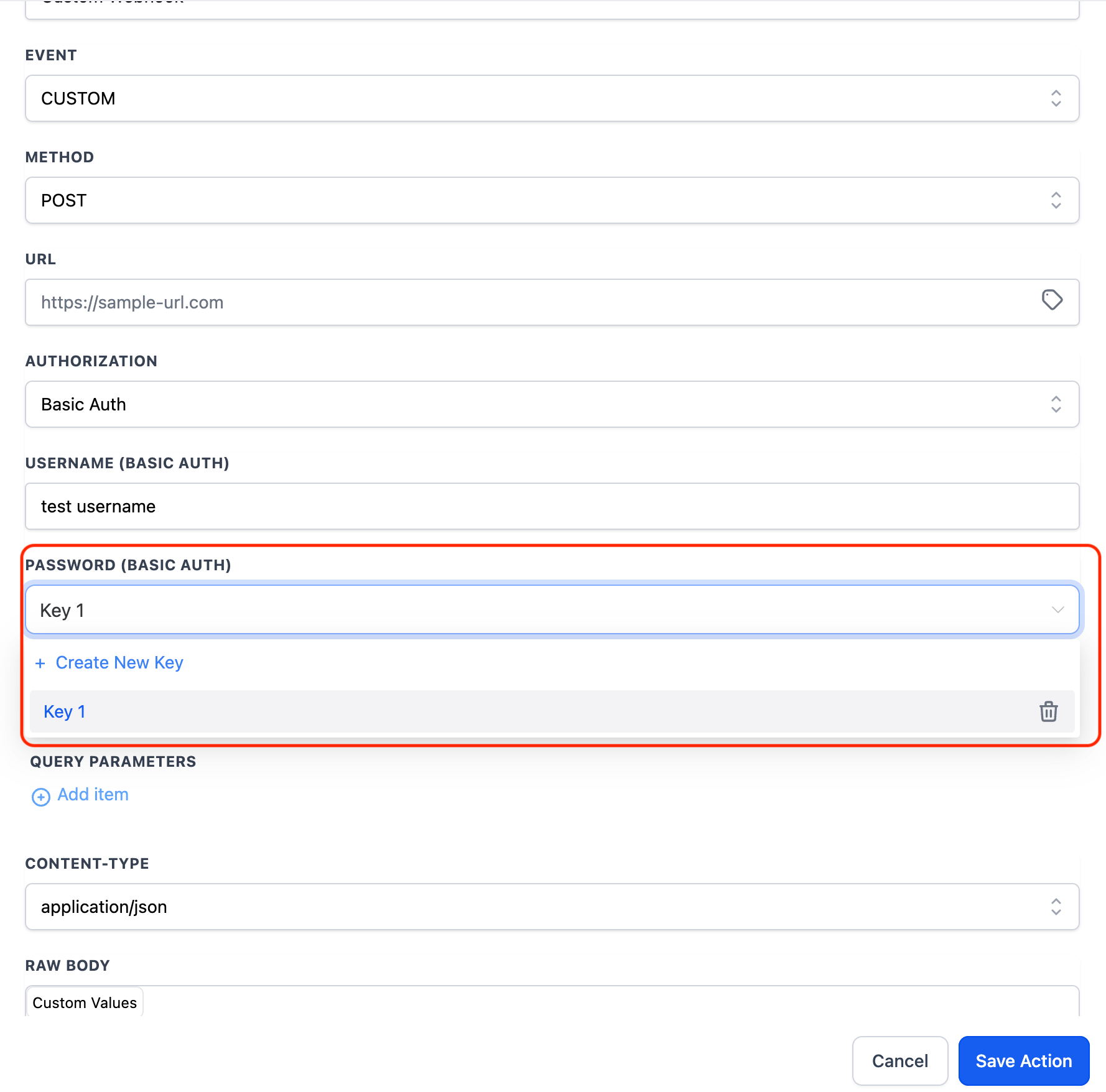
Reduces the risk of revealing sensitive information for data protection. Going forward, these keys would not be visible to the users in plain text format. These would be visible by the key name.
These keys cannot be edited or deleted by users in a location. Only agency admins and users that have created these keys will have these permissions.
How to Get Started
Add a Custom Webhook Action
In your Automations builder, select Custom Webhook.
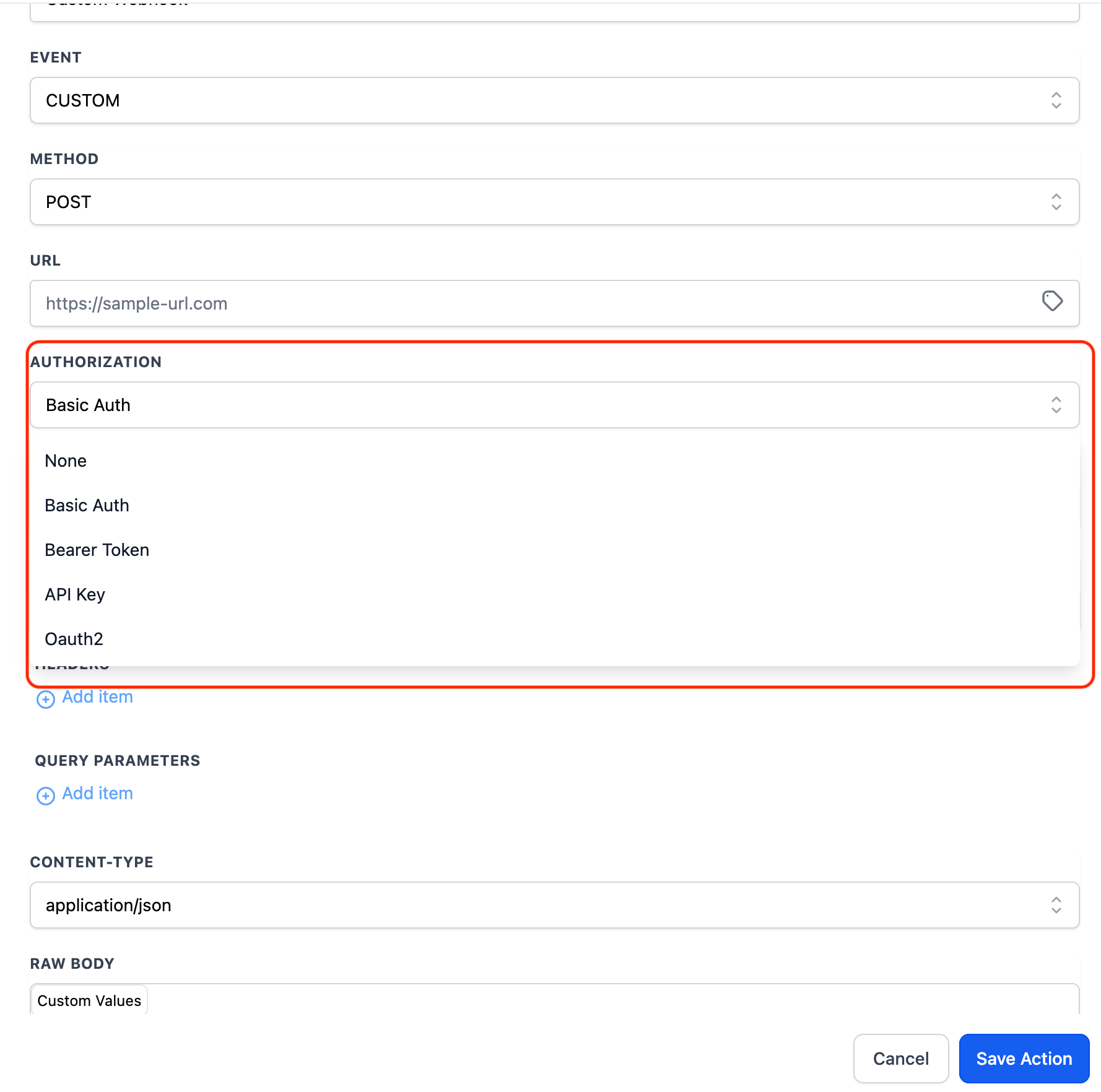
Select Authentication Type
Choose Basic auth, Bearer token, or API key.
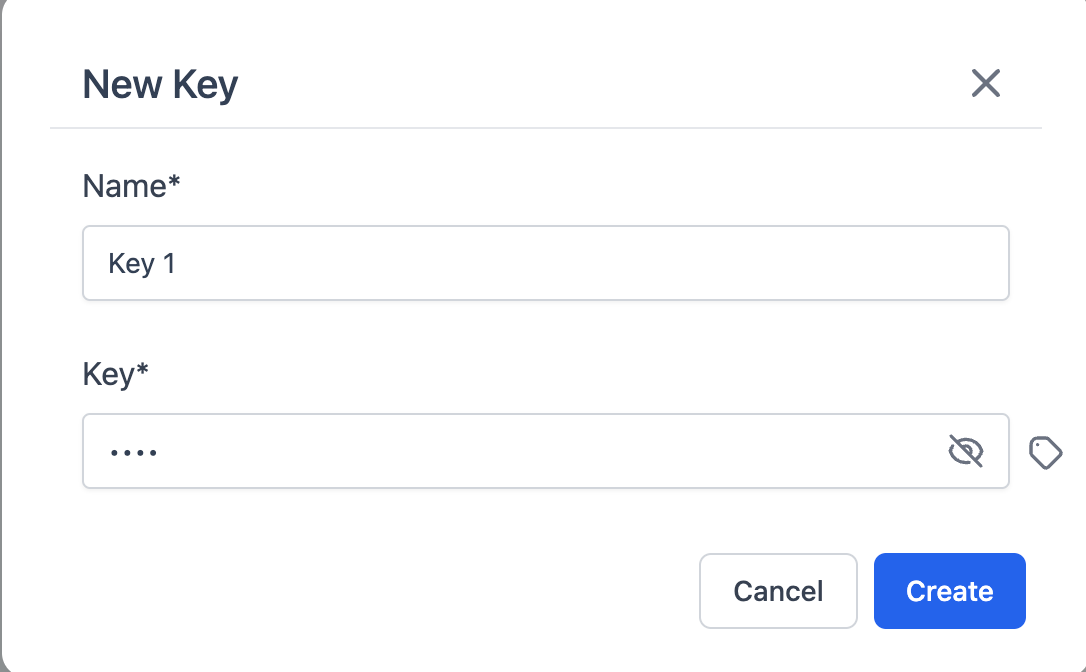
Configure Credentials
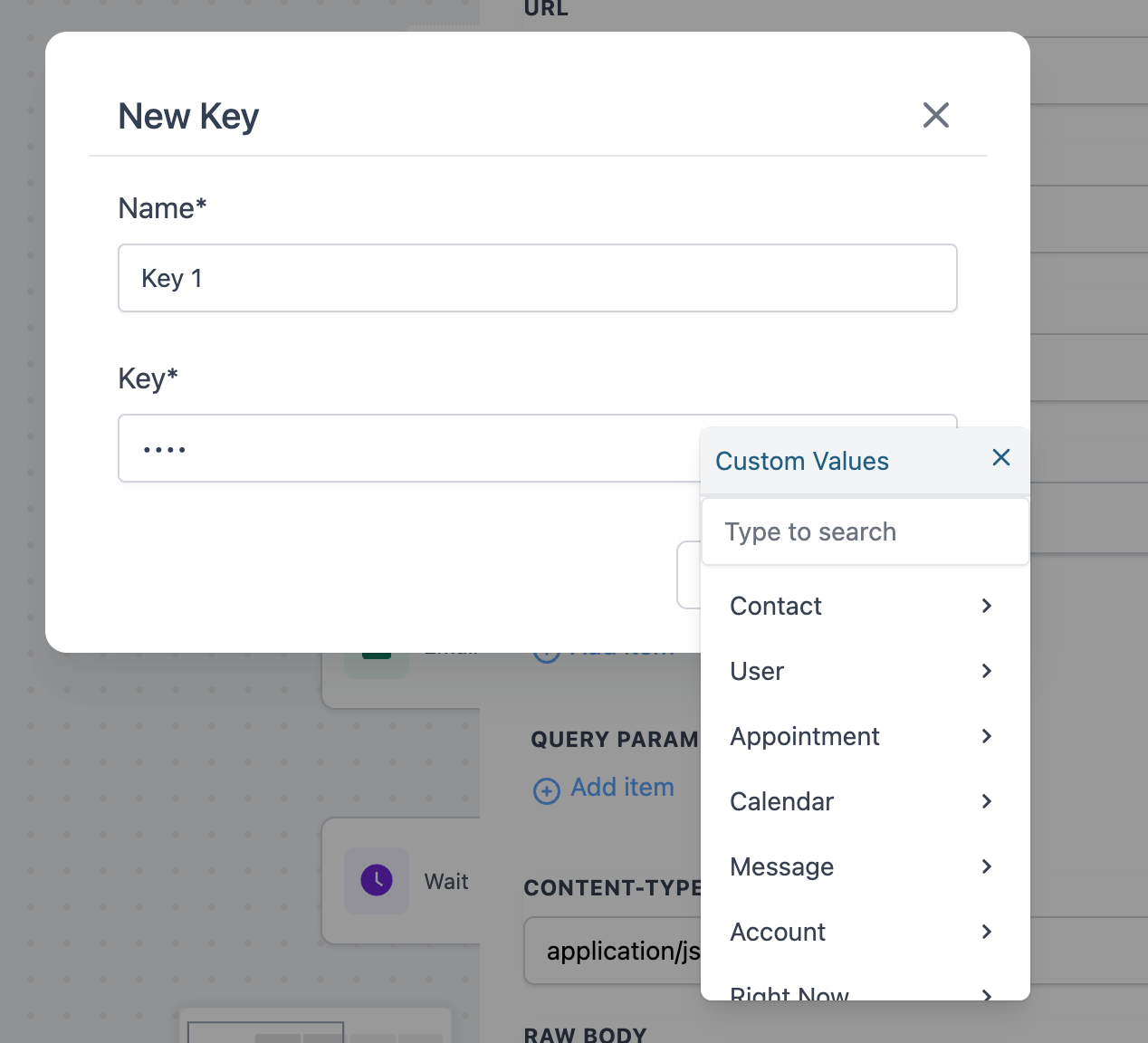
Enter your secret key in the new masked field.
Monitor & Manage
Use the dropdown menu to add or delete keys as needed.
Note
Existing Keys: Any existing key will be deleted once a new key is updated.
Deletion Permissions: Only agency admins or the user who originally created a key can delete it.