October 12th, 2025
New
Forms, Surveys & Quizzes
🎨 Enhanced Form Interactions with Primary Color Effects
What's New
We've rolled out a sleek new mouseover and active field effect for all elements across forms, surveys, and quizzes, bringing more visual consistency and interactivity to your experiences.
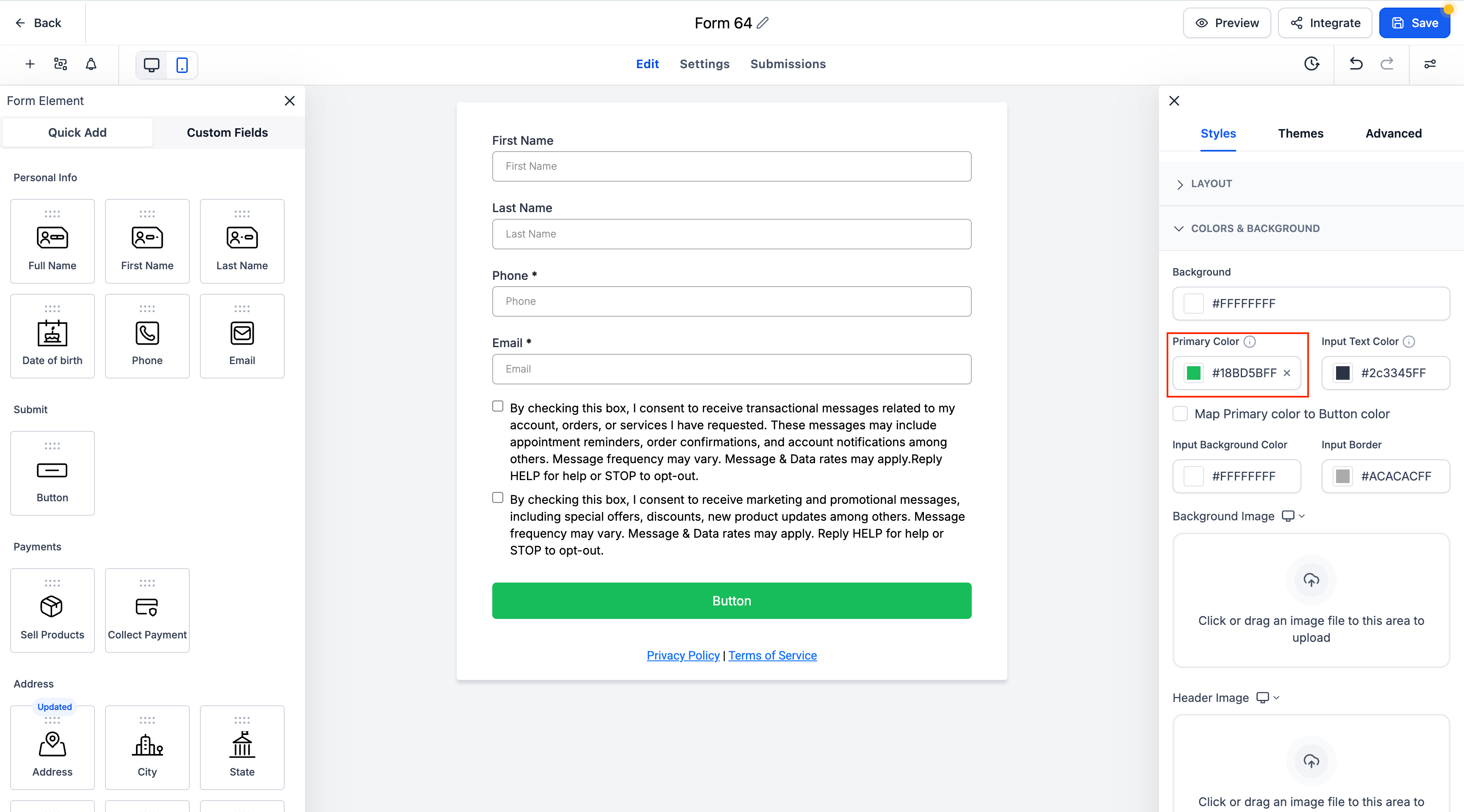
Key Highlights
🖱️ Mouseover Highlight:
Input fields now respond visually to hover states using the form’s selected primary color.
✍️ Active Field Accent:
When users focus on a field (e.g. clicking to type), a border glow using the primary color is shown, enhancing clarity and engagement.
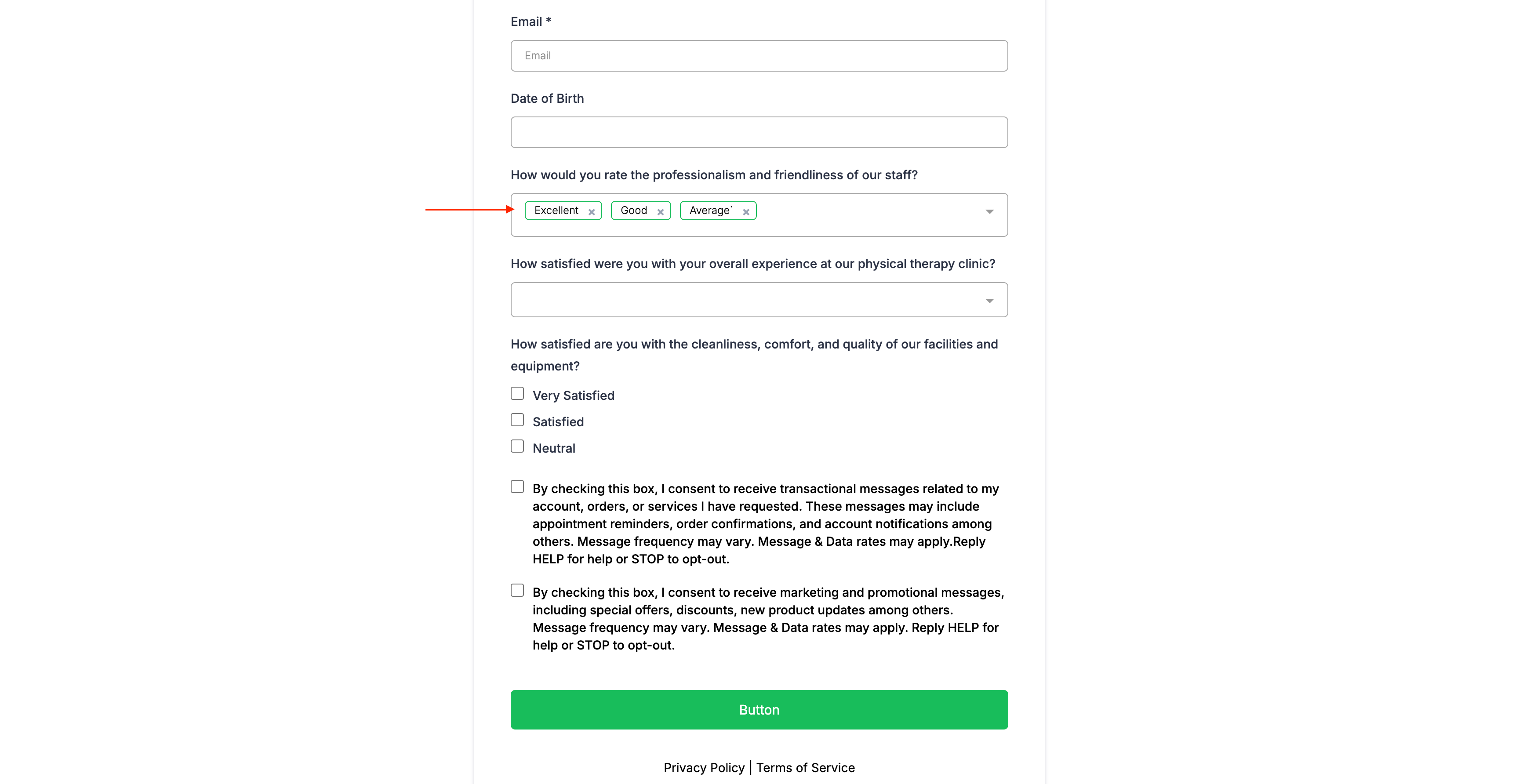
🔽 Dropdown Styling:
Dropdowns reflect the primary color when opened or selected.
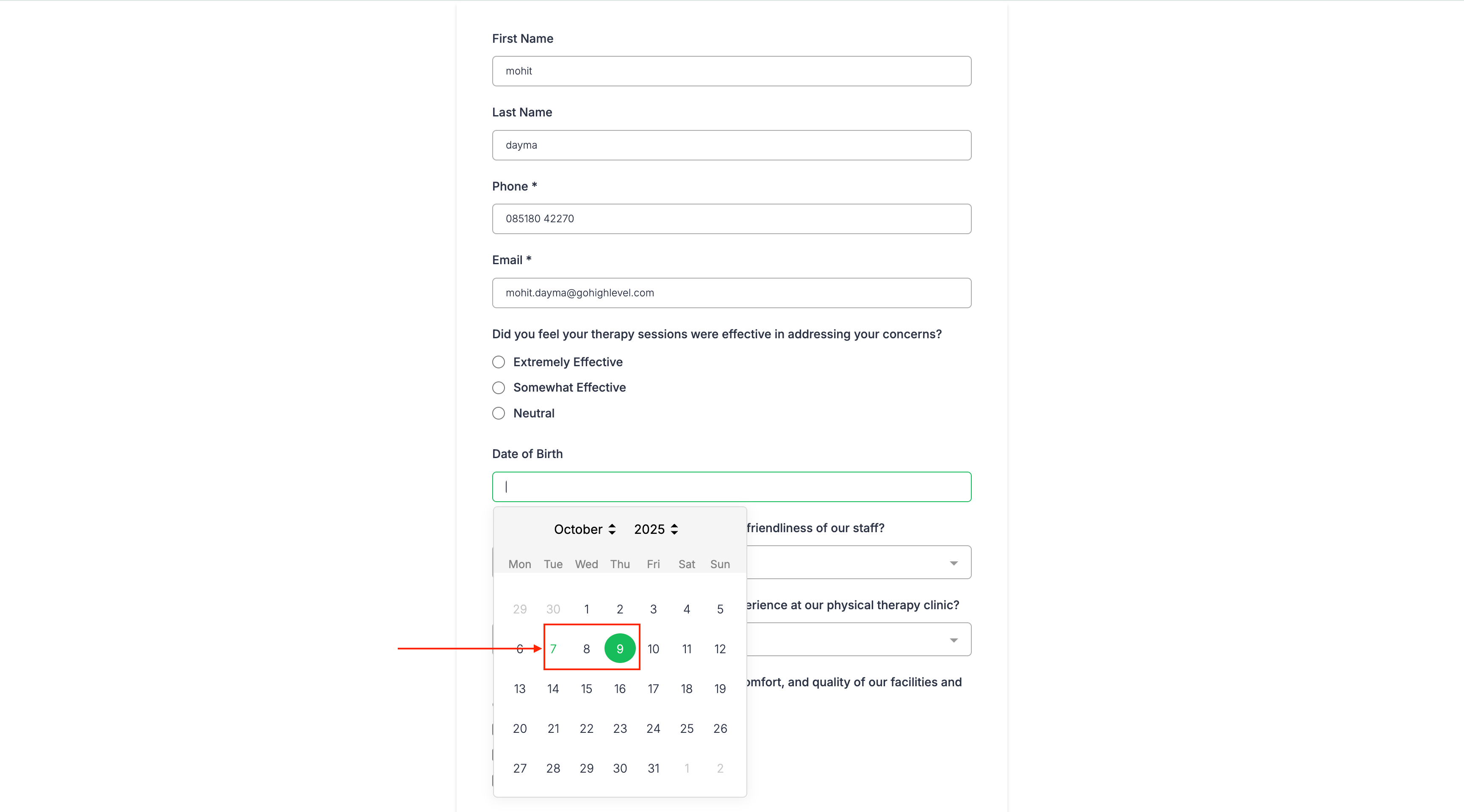
📅 Date Picker Update:
Selected dates in the date picker are now highlighted with the primary color.
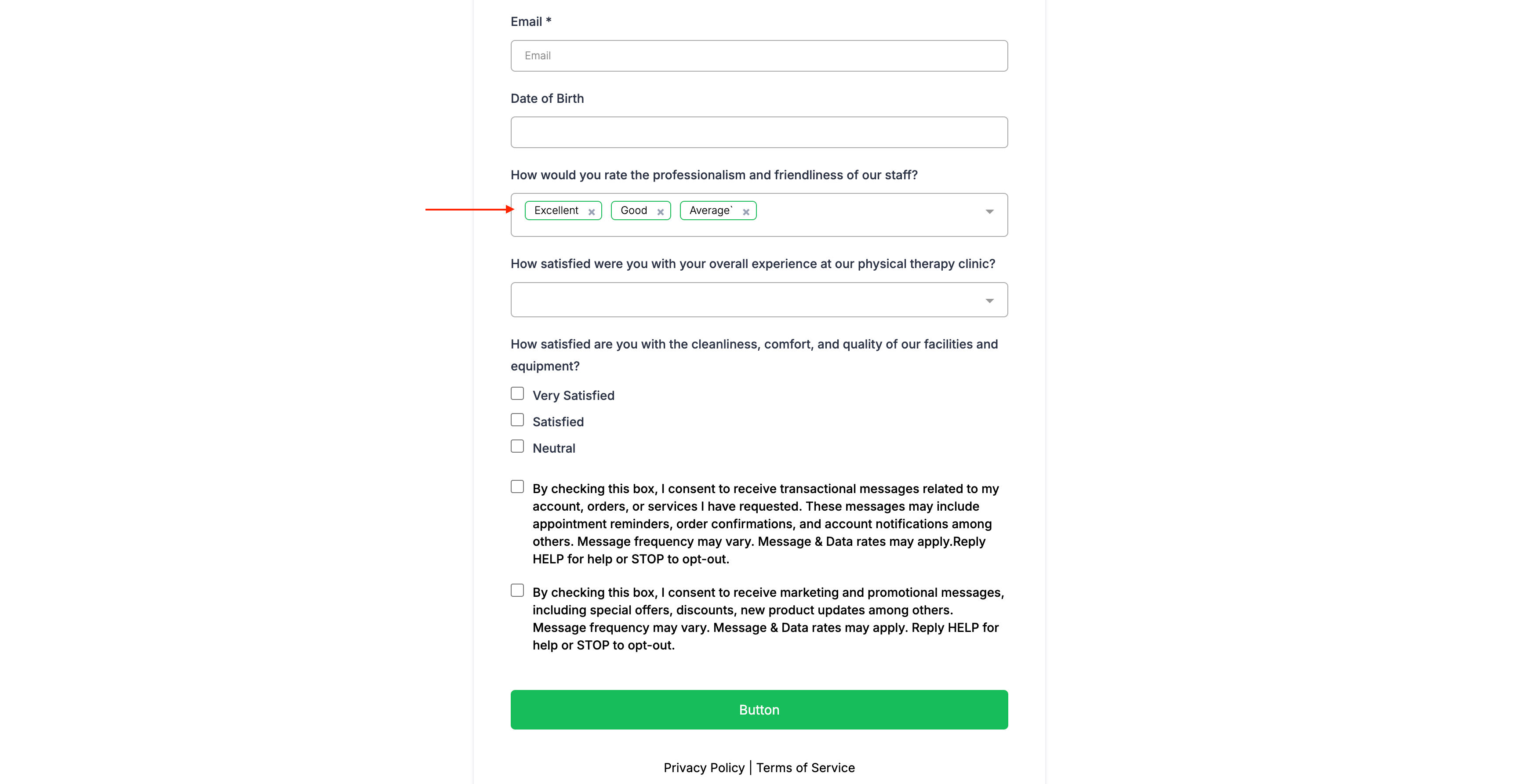
✅ Checkbox/Radio Fill:
Checkboxes and radio buttons display primary color fill when selected.
🔘 Button Mapping:
You can optionally map the primary color directly to buttons for full visual harmony.
How It Works
Set your desired Primary Color under the Styles → Colors & Background settings.
Toggle the “Map Primary color to Button color” if you want buttons to follow suit.
The primary color will now dynamically apply to interactive elements across your forms, surveys, and quizzes.
Notes
This enhancement ensures a unified, on-brand experience for end users.
No additional configuration is required for existing forms—just set your primary color and you’re good to go!